
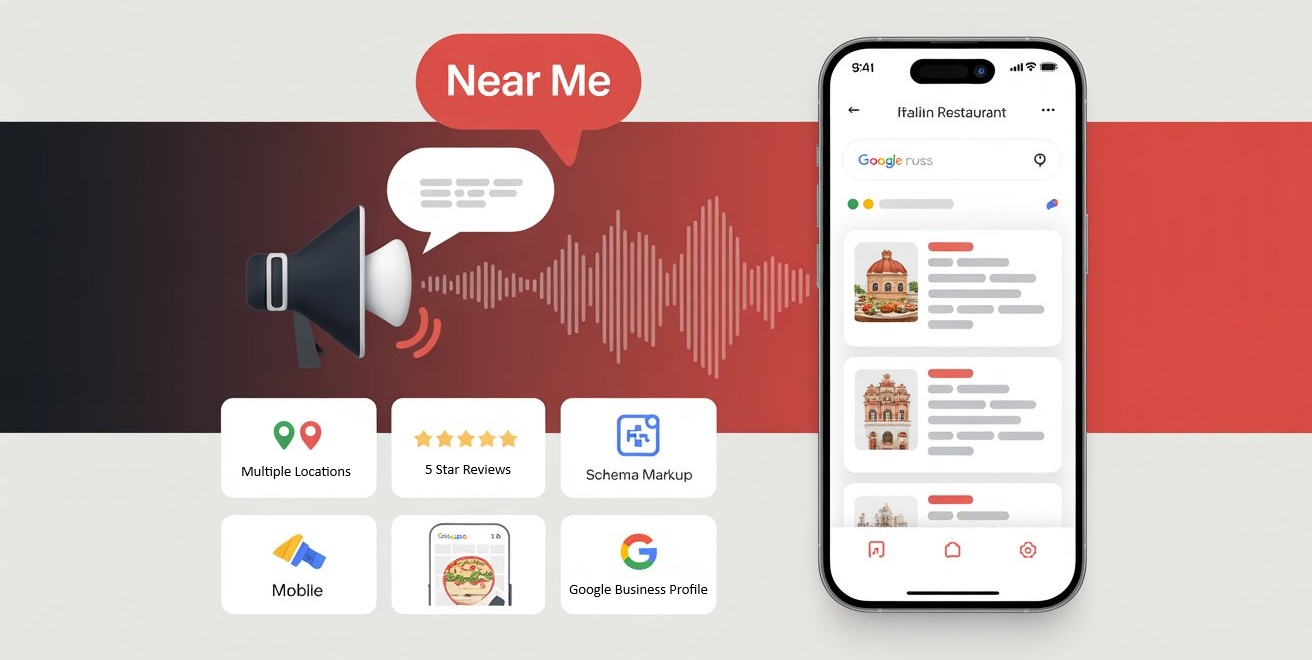
Welcome to my post on "Voice Search Local SEO." If you’ve ever asked your phone, "Hey Siri, find a plumber near me," you’ve used voice search. And you’re not alone.
More than 58% of consumers have used voice search to find local businesses, and over 76% of smart speaker users perform local searches weekly. That means voice search isn’t the future of local SEO—it’s the present.
If your business isn’t optimized for voice search, you’re leaving calls, appointments, and revenue on the table. See Our Full Local SEO Guide for more information
This guide will walk you through how voice search works, how it differs from traditional SEO, and what you can do today to start showing up when people speak, not just type.

Voice Searches Are:
- Conversational: People speak differently than they type. Instead of "Milford CT HVAC," they ask, "Who installs heating systems near me?"
- Action-driven: These queries usually happen when someone needs immediate service.
- Mobile and smart-speaker based: Think Siri, Alexa, or Google Assistant.
Voice search favors:
- Clear, direct answers
- Fast-loading, mobile-optimized pages
- Businesses with strong Google Business Profiles
- Structured data (schema markup)
How To Optimize For Voice Search Local
1. Optimize Your Google Business Profile (GBP)
Complete Profile Information
Make sure your profile has an accurate business name, address, and phone number (NAP)
Regular Updates
Is regularly updated with photos, posts, and FAQs
Service Details
Includes your services, service area, and business hours
Customer Reviews
Has plenty of positive reviews with relevant keywords
Pro Tip:
Answer questions in your GBP FAQ using conversational phrases. If someone might ask, "Do you offer emergency plumbing?" then include that exact phrase in your answer.
2. Target Conversational Long-Tail Keywords

Voice searches are longer and more natural
- "Who does roof repair near me?"
- "What roofing companies are open now in Milford?"
- "Best local roofer for storm damage?"
Use tools like AnswerThePublic or AlsoAsked
Include these long-tail keywords in:
- H2 or H3 headers
- Your FAQs
- Body content
- Alt tags and metadata
Also, consider voice search intent. Focus on high-conversion terms like:
- "how to fix..."
- "who offers..."
- "where can I get..."
3. Use Structured Data (Schema Markup)
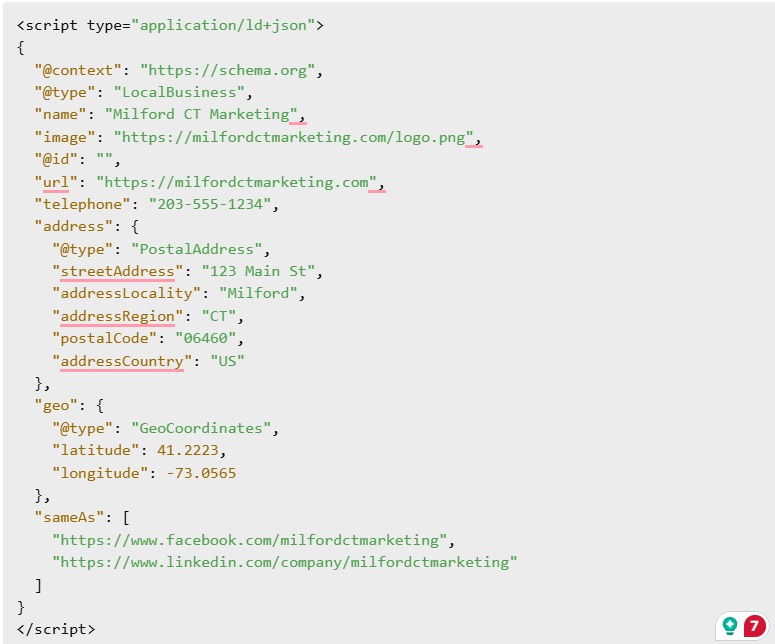
Schema markup helps search engines understand your content and display it accurately in voice results.
Local Business Schema
Define your type of business with proper categorization
FAQ Schema
Detail your offerings with proper service markup
Google often pulls from FAQ schema for voice answers. That means your site can become the spoken response from Google Assistant.
Use Google's Rich Results Test to validate your markup.
4. Improve Site Speed and Mobile Optimization
Most voice searches happen on mobile.
That means your website must:
- Load in under 3 seconds
- Be easy to navigate on a phone
- Use large buttons and readable text
- Have click-to-call buttons and easy booking forms
Run your site through Google PageSpeed Insights and fix any major issues.
Also, use responsive design and compress large image files for faster load times.
5. Build Local Citations
Consistency is key. Voice search relies on data from multiple sources.
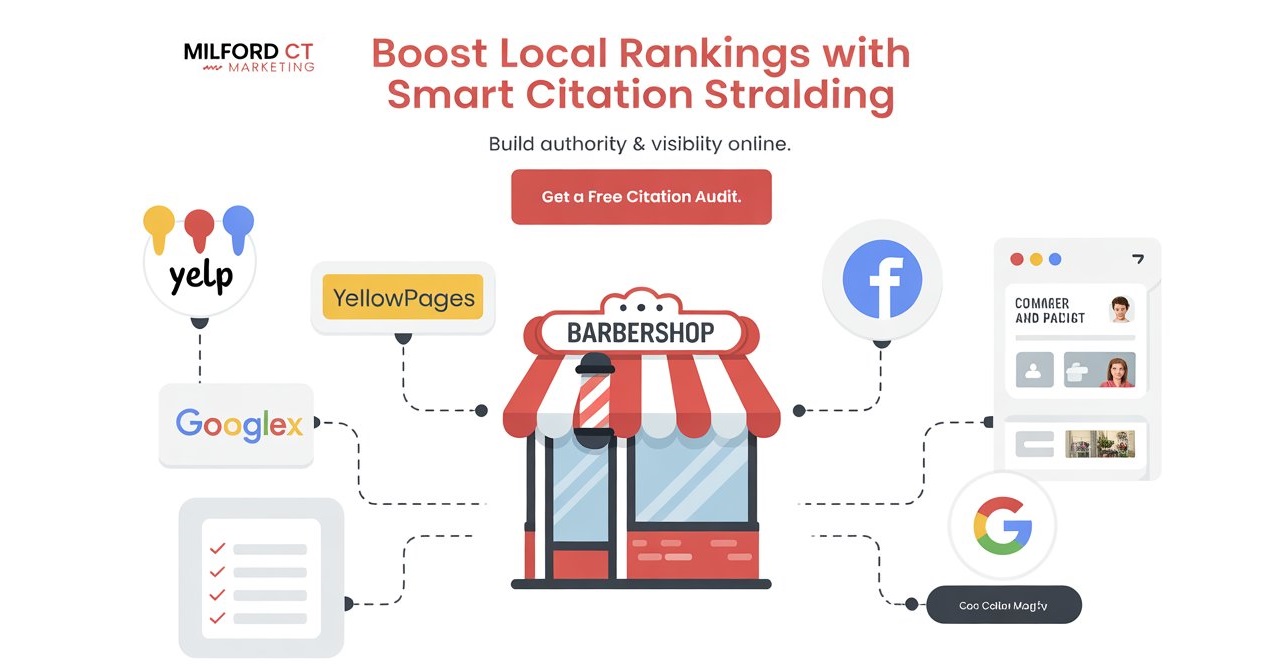
Directory Listings
Make sure your business is listed on directories like Yelp, Bing Places, and Apple Maps
Consistent Information
NAP info is consistent across all platforms
Update Listings:
Make sure your listings are up to date
6. Create Voice-Search-Friendly Content
Create content that answers real, spoken questions. Think:
- "What is the best tile for a bathroom?"
- "How much does drain cleaning cost in Milford CT?"
- "Can I schedule a same-day HVAC repair?"
Use a Q&A format when possible.
Also include:
- Location references
- Service terms
- Structured formatting with bullet points and subheadings
You can also create blog content that mimics spoken searches. Example:
Blog Example
- Blog Title: "What’s the Best Time of Year to Replace a Roof in CT?"
- Header: "Best Time for Roof Replacement in Milford"
- Paragraph: "If you're wondering when to replace a roof in Connecticut, the best time is often spring or fall."
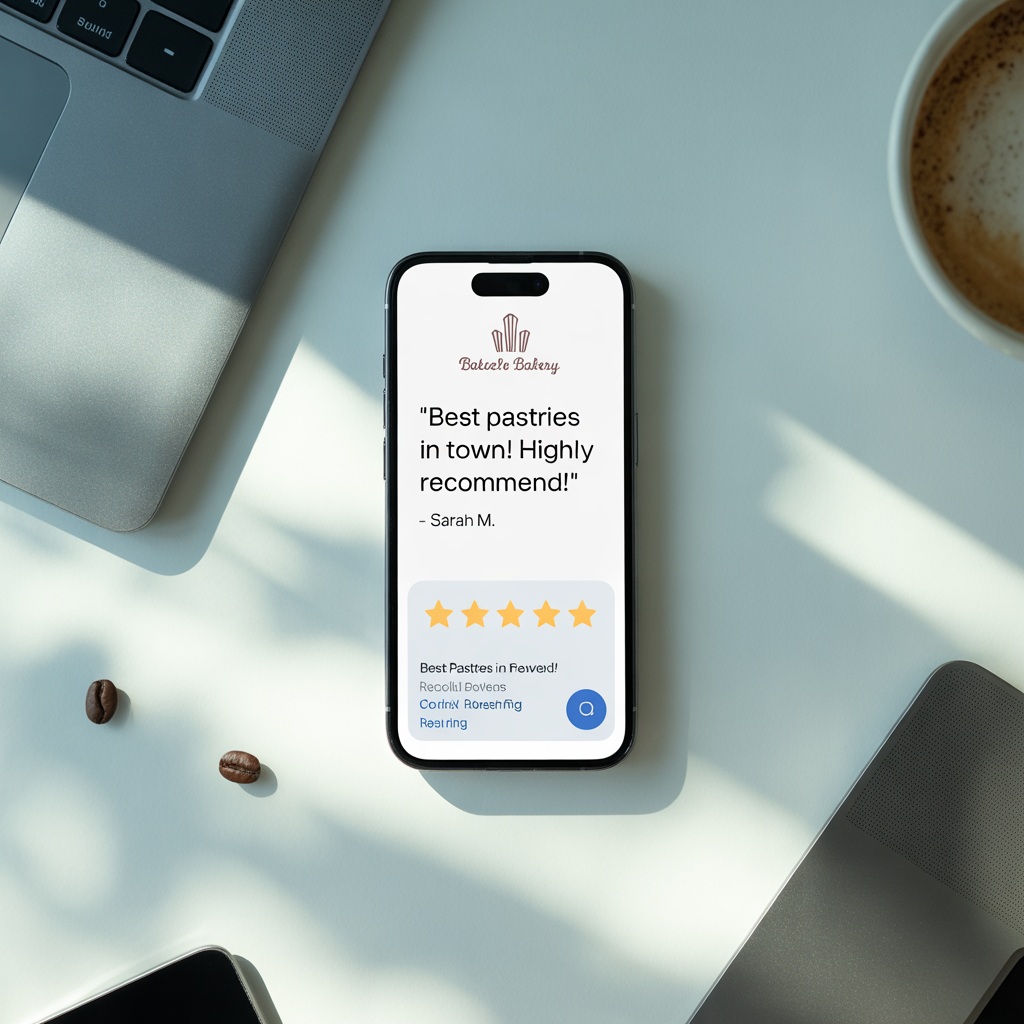
7. Encourage More Reviews
Voice search results prioritize businesses with a high volume of positive reviews.
Encourage happy customers to leave reviews that include:
- Your service
- Your city
- Specific situations ("emergency leak repair")
Respond to all reviews—it shows you’re active and improves trust signals.
Consider follow-up texts or emails with a direct link to your GBP review form.
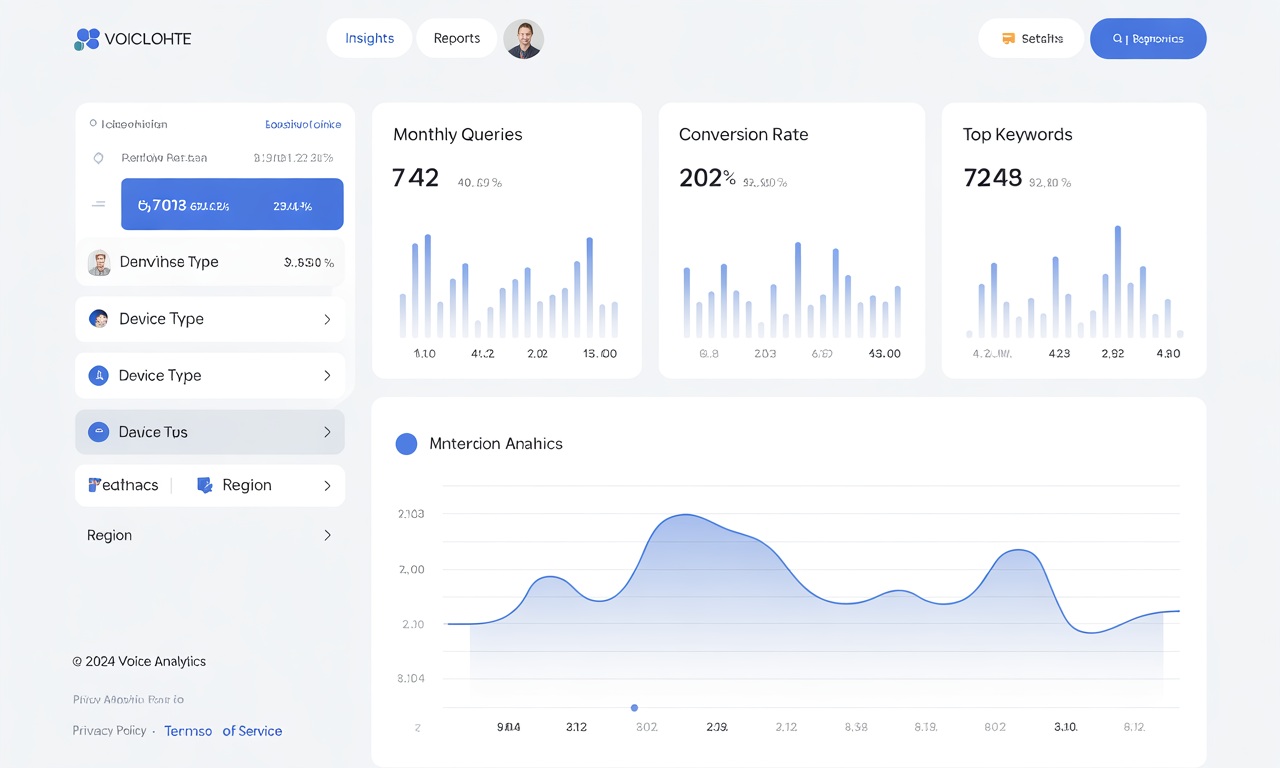
Bonus: Track Voice Search Performance
While it’s hard to track voice search directly, look for signals such as:
- Increased “near me” impressions in GBP insights
- Longer keyword queries in Search Console
- Growth in mobile traffic from local queries
Use this data to refine your strategy over time.
Final Thoughts
Voice search isn’t just about fancy tech—it’s about meeting your customers where they are: talking to their phones, cars, and smart speakers.
If you want to dominate "near me" searches, you need to:
- Get your GBP right
- Speak your customer’s language
- Structure your site for smart results
- Monitor and adapt based on real user behavior
Start with one step, or knock them all out this week. Either way, you’ll be ahead of most local competitors.