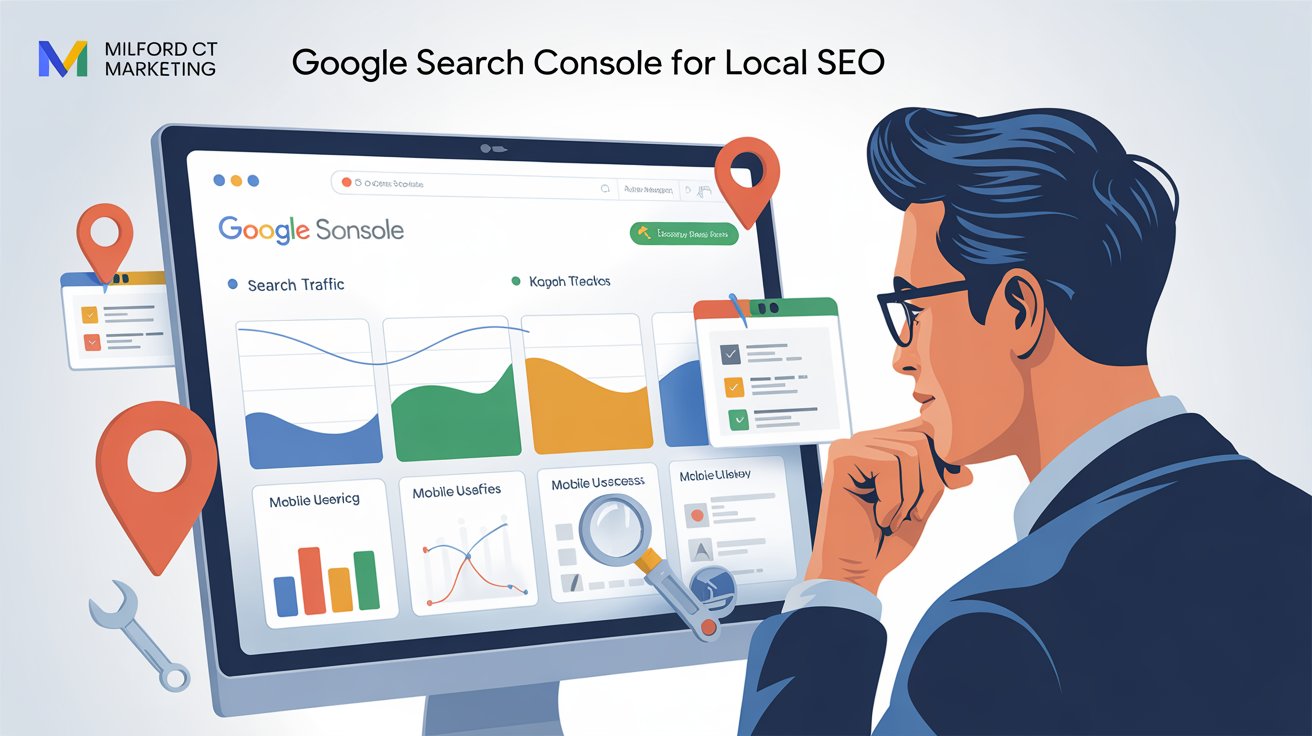
Google Search Console is one of the most underused tools a local service business has, and it's free. If you want to get found more often in Maps or search, this is where the real answers live.
What Google Search Console Actually Is
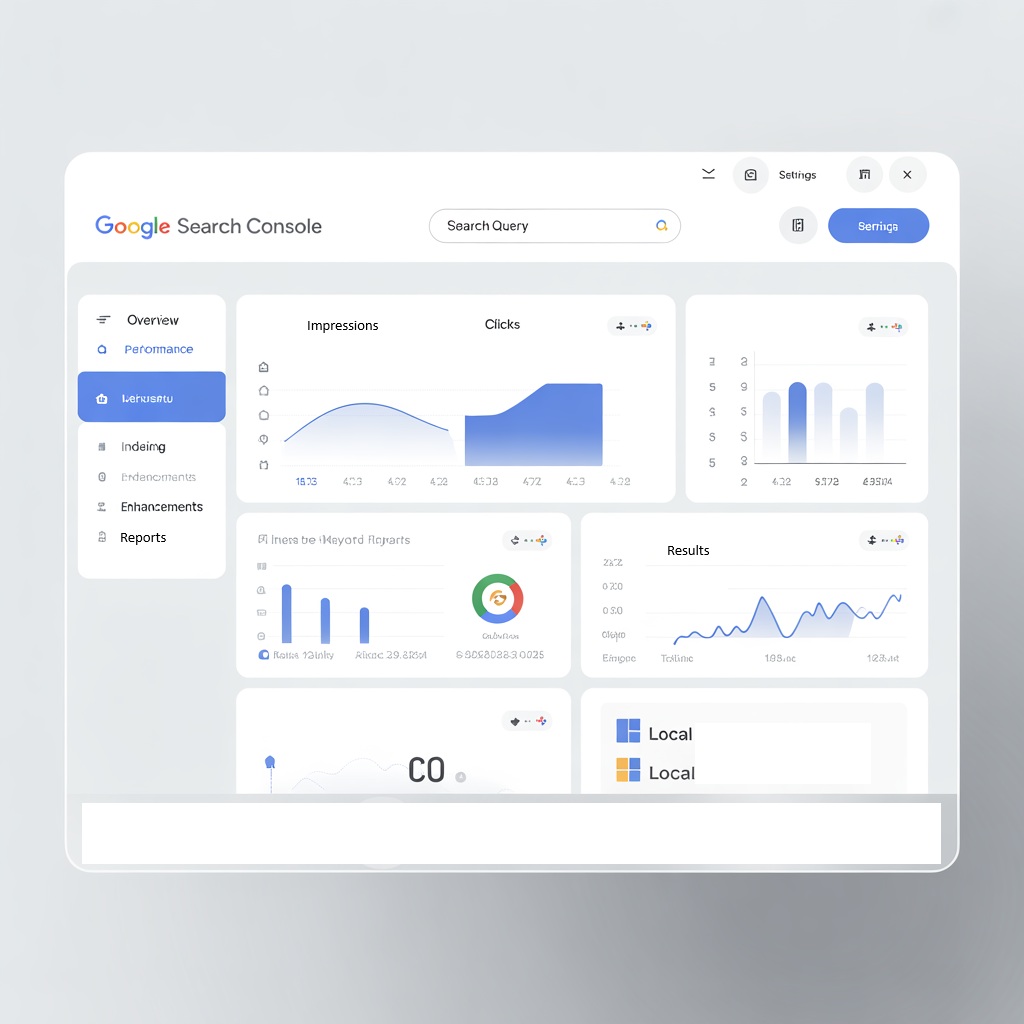
It's a free tool from Google that monitors and troubleshoots your site's presence in search. For a local business, it shows you the exact search terms people use to find you, which pages are actually indexed, what's blocking a page from ranking, and how your content performs over time. You just verify ownership of your site (usually through your host or Google Analytics) and you're in.
5 Practical Things To Do With It
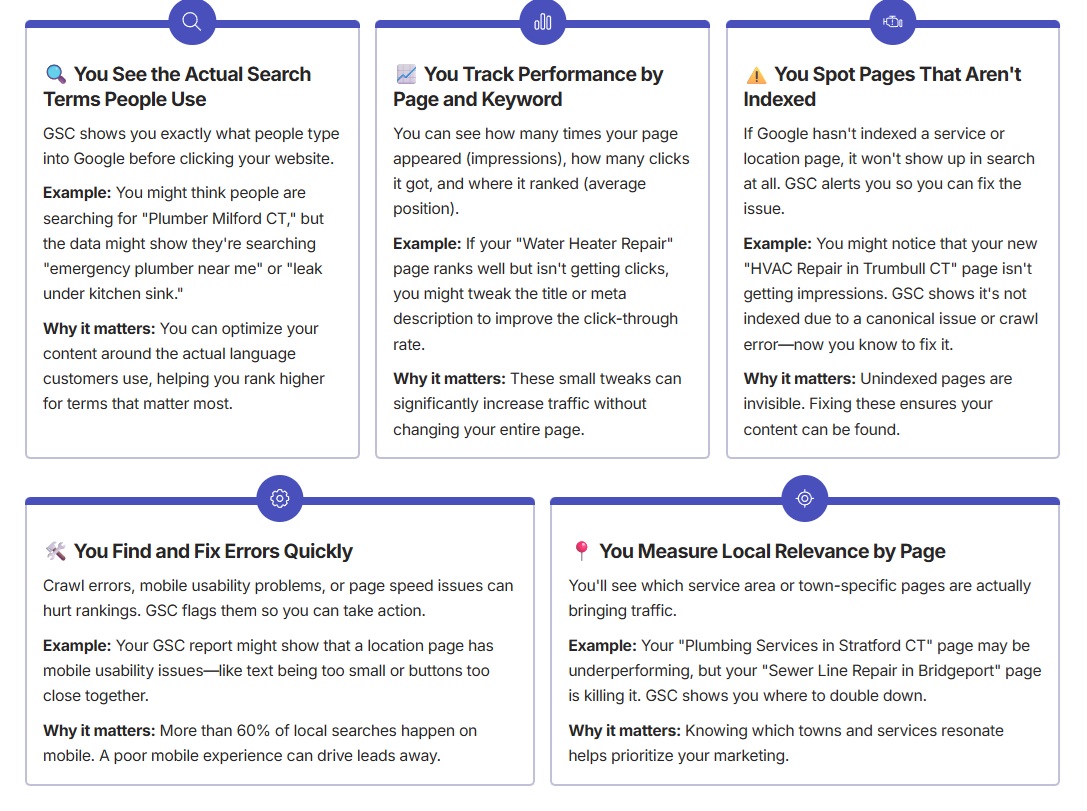
1. Find out which towns you're actually ranking in. Go to Performance → Pages → Queries, and filter by your town-specific pages. If a page like "/plumbing-orange-ct" has real impressions but few clicks, the content needs more local language, not just more traffic.
2. Fix weak titles and meta descriptions. Compare impressions to clicks. High impressions with low clicks usually means the title or description isn't compelling. Try something more specific: "Fast HVAC Repair in West Haven, 24/7 Emergency Service" beats a generic title every time. Better click-through rates are a real signal to Google, and they tend to improve rankings too.
3. Submit new pages for indexing. After publishing a new service or location page, use the URL Inspection tool to submit it manually. This matters most for newer sites without much authority yet, it speeds up indexing instead of waiting weeks for Google to find it on its own.
4. Fix coverage issues. Check the Pages report under Indexing for anything marked "Not Indexed." Fix what you can, broken redirects, soft 404s. Pay close attention to "Discovered, currently not indexed" pages specifically, those are real candidates for improvement or resubmission.
5. Watch your mobile usability. Most local searches happen on a phone. If GSC flags text too small to read, clickable elements too close together, or content wider than the screen, fix it fast, these directly hurt both rankings and real user experience.
Comparing Your Location Pages
If you serve more than one town, GSC lets you compare how each page is actually doing. Here's what that kind of comparison might look like:
| Page | Impressions | Clicks | Avg. Position |
|---|---|---|---|
| /roofing-milford-ct | 1,200 | 122 | 5.4 |
| /roofing-west-haven-ct | 560 | 32 | 11.7 |
| /roofing-bridgeport-ct | 920 | 88 | 7.9 |
With numbers like these: improve the underperforming pages with better content or titles, double down on the strong ones with FAQs or related services, and expand into towns showing real, growing interest.
Let It Guide Your Content
If GSC shows a lot of impressions for "frozen pipe repair Milford," that's a real signal, write "How to Prevent Frozen Pipes in Milford Homes." This is how you capture the long-tail searches, stay relevant to what's actually happening seasonally, and build real authority around your core services, instead of guessing what to write about next.

The Point
Search Console is free and full of local SEO insight most businesses never touch. It tells you what people are actually searching for, what Google can and can't see on your site, and where your effort is actually paying off. Check it weekly if you're serious about your rankings.
Want help making sense of your own data? Book a free discovery call.