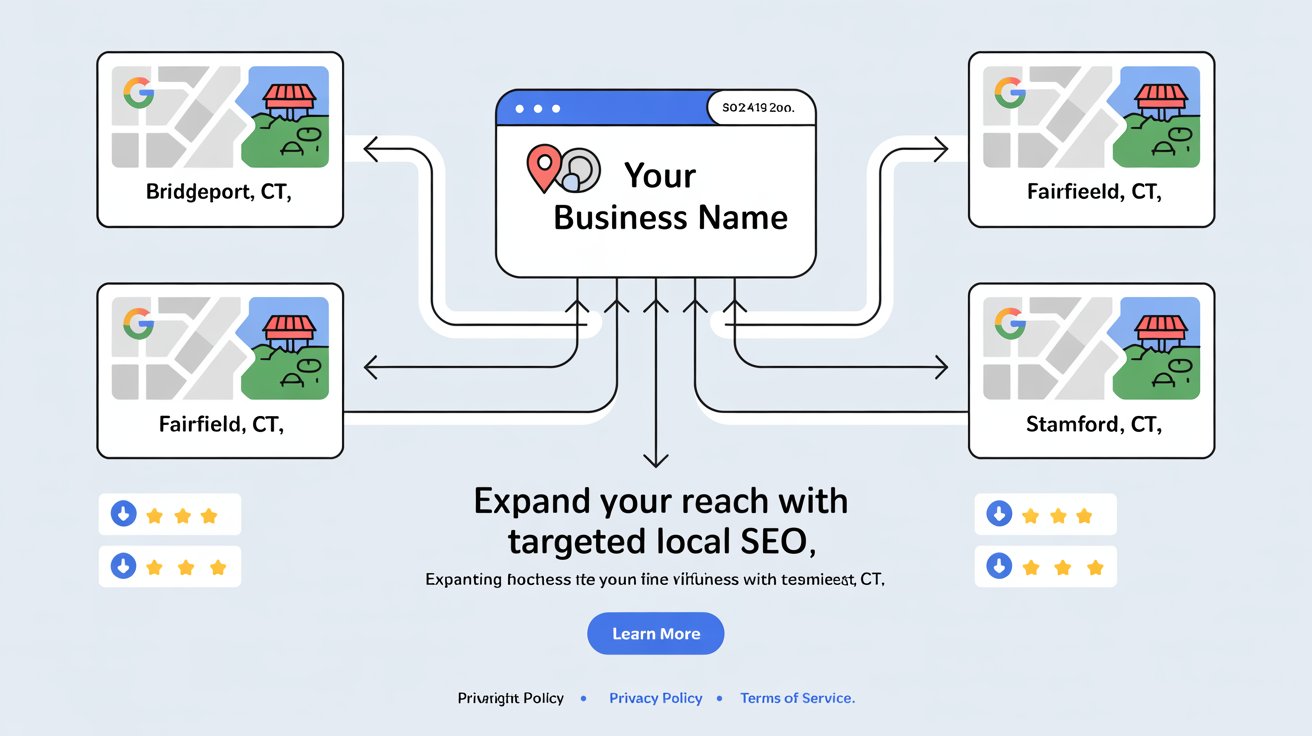
Plenty of service-area businesses want to rank in more than one town, but Google's proximity bias makes that harder than it sounds. Before Google can even consider your content, you have to actually build it, real, well-structured, helpful pages for each area. If your site is new or doesn't have much authority yet, submitting new pages manually through Google Search Console can get them indexed faster instead of waiting weeks.
You can't just clone the same service page and swap the town name. That approach doesn't work, and it can actually hurt you. What works is building a real local SEO structure that shows relevance and authority in every area you serve.
Why This Matters For Service-Area Businesses

Your Google Business Profile is tied to a physical location. If you serve 10 towns from one office, or none at all, you'll struggle to show up in the map pack outside your immediate area. The right content structure, consistent NAP, schema, and internal linking let you show up in organic results across every town you actually serve, even where your profile can't reach. Skip this and you're effectively invisible in most of your service area.
Start With A Master Service Area Page
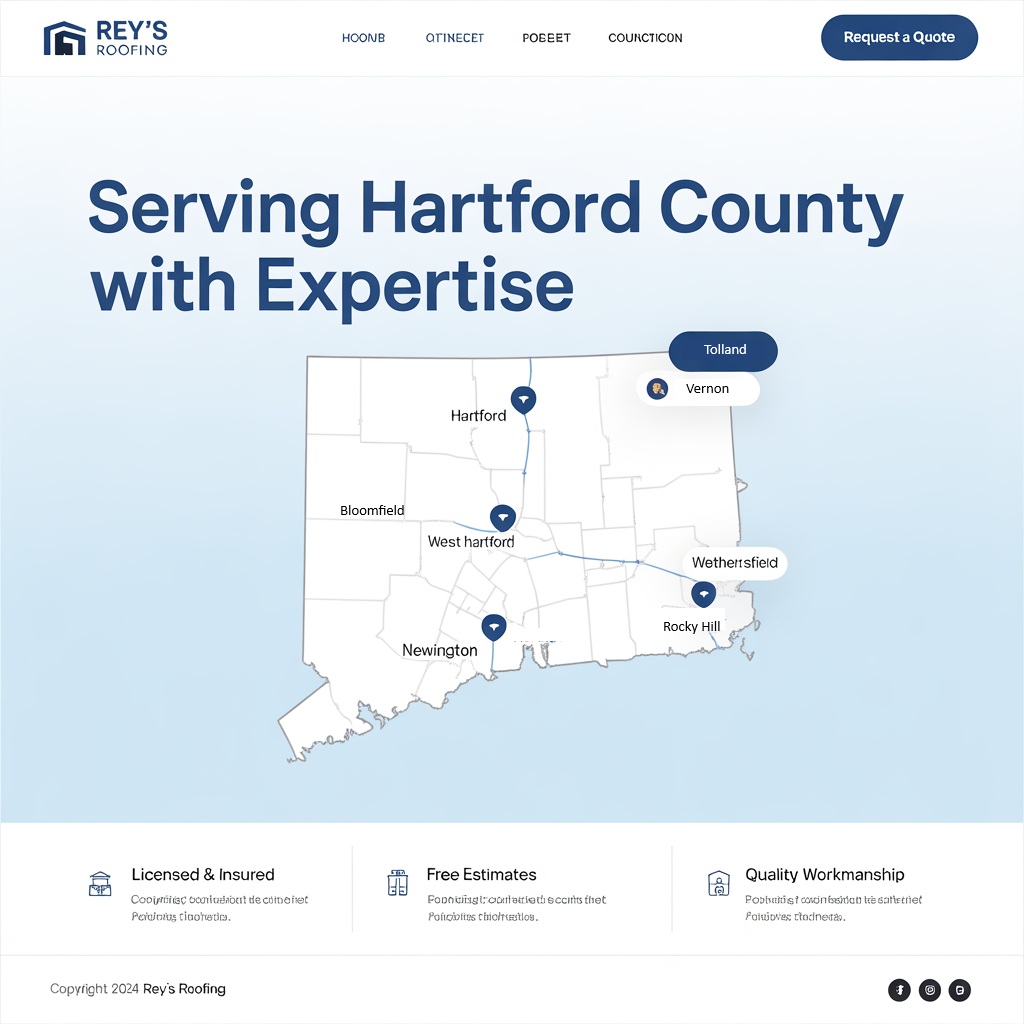
This is the hub for every town you serve, your regional authority page. It needs a short, specific intro about your business and service area, a list of every town you cover linking to its own page, an embedded map of your headquarters if you have one, and a clear call-to-action. Keep the copy specific, mention what's unique about each area you serve, not generic filler.
Build A Real Page For Each Area
These can't be duplicates. Each one needs unique local content, real landmarks and neighborhoods specific to that town, a service description tailored to that area, geo-tagged original images, LocalBusiness schema with area-specific data, and internal links back to your hub page and related services.
Here's what a real location page outline could look like:
- H1: Tile Installation Services in Bridgeport, CT
- H2: Why Homeowners in Bridgeport Choose Us
- H3: Custom Tile Work Near Downtown, Black Rock & More
- H3: What's Included in Our Bridgeport Tile Services
- H3: Request Your Free Bridgeport Quote Today
Add city-specific testimonials, real photos from past projects, and links to any community organizations you've worked with.
What To Do Without A Storefront In That Town
This is where most businesses get stuck. No physical location means no Google Business Profile for that town, but you can still build real visibility:
Rank organically with your location page. A page like "/plumbing-services-westport-ct" can rank in the regular results even without a map listing, as long as it has real location-specific keywords, genuinely helpful content, and proof like testimonials or project photos.
Target long-tail keywords. "Emergency plumber in Orange CT" or "affordable HVAC repair in Shelton CT" are lower competition and easier to rank for than the broad version of the same search.
Earn links from local directories. City-specific chambers of commerce, news sites, neighborhood blogs, community calendars. Even without an address there, being listed as a recommended service builds real local authority.
Collect area-specific reviews. Ask customers to mention their town when they leave a review, "They fixed our AC in Trumbull during a heatwave" reinforces your relevance there even without a local office.
Show real involvement in the town. Write about a local home improvement topic, sponsor a youth sports team, highlight a business you collaborate with there. If you've done work in a town even once, turn it into a real story, project photos, the town named clearly, a short case study.
Best Practices Across The Board
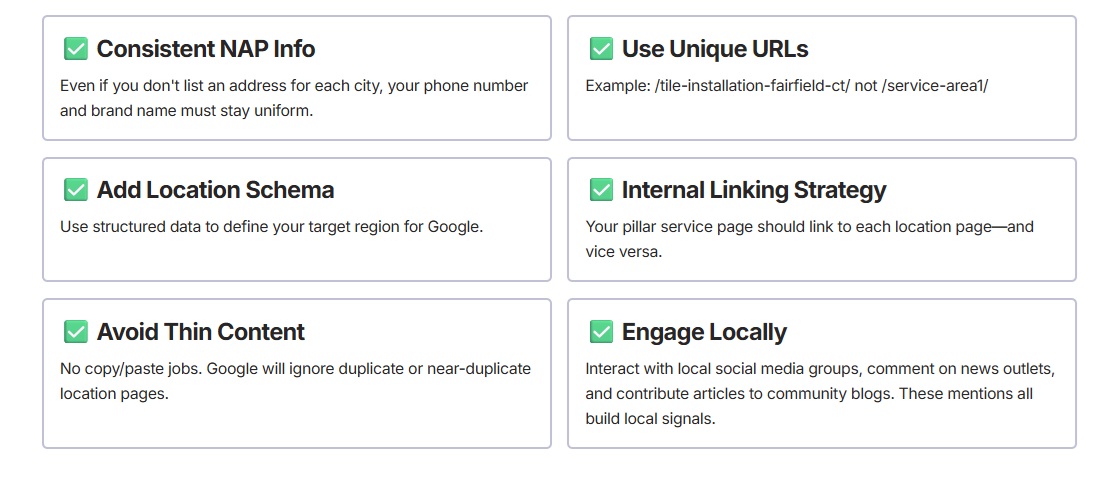
Blog With Each Location In Mind

"Top Tile Trends in Fairfield County Homes" or "What to Expect from a Kitchen Remodel in Norwalk," real posts that mention your service towns and link to the relevant location page. Seasonal or event-based posts, a town fair, a local sports season, connect your brand to that community's actual calendar.
Get Reviews Across Every Town You Serve
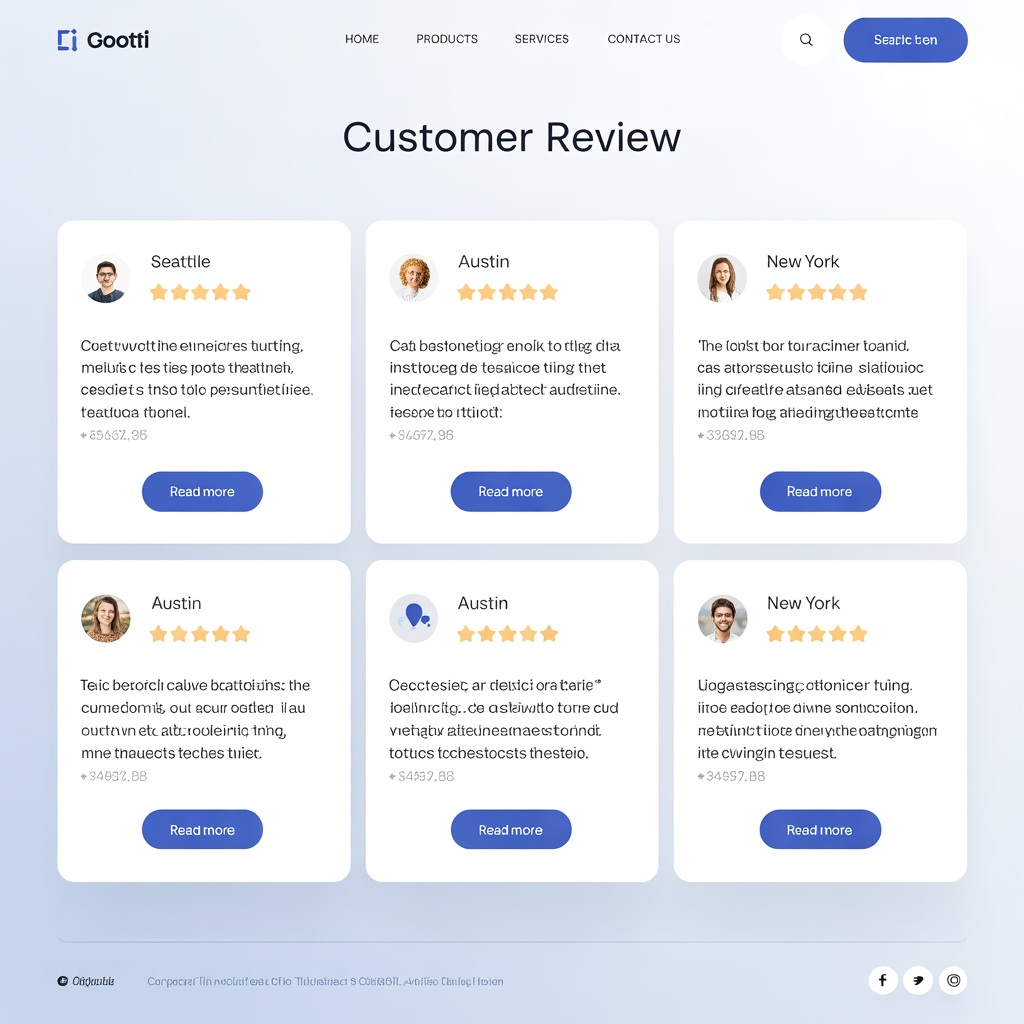
Even with one profile tied to one address, you can still collect reviews that mention other towns, use job photos from across your whole service area, and ask customers to post city-specific feedback on third-party sites. A simple "what town did we serve you in?" field on your own review request goes a long way.
Tools That Help You Scale This

- BrightLocal: audit citations by location
- Surfer Local: real SERP data for each town
- PageOptimizer Pro: on-page optimization at scale
- Google Search Console: track impressions per location page

Final Thoughts
Expanding into new towns without opening new offices is genuinely one of the best moves a service-area business can make. It takes unique, optimized content per town, real schema and NAP consistency, a local mindset in your blog, and real proof from jobs you've actually done there. Start with 3 to 5 towns, build strong pages, track what's working, then scale. Most competitors won't put in this level of effort, that's the actual opening.
Ready to expand your own reach? Book a free discovery call.