
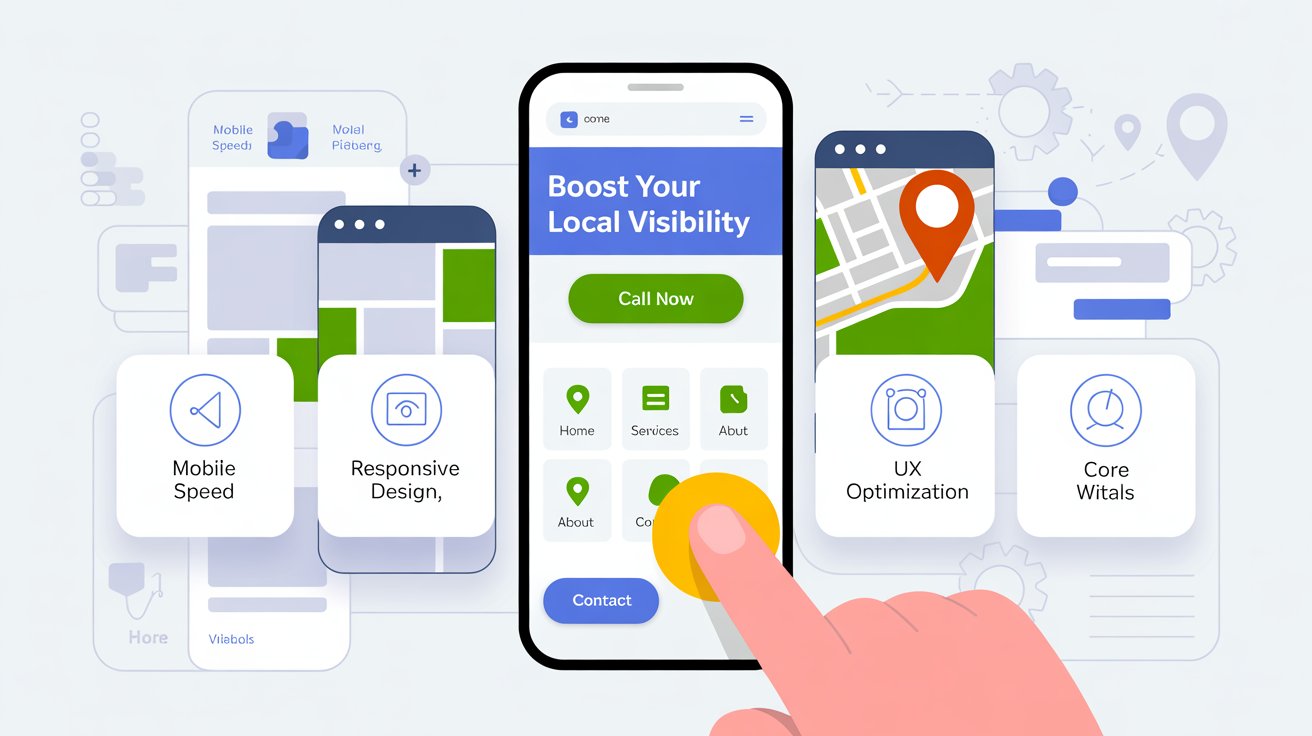
Welcome to my post on Mobile Optimization for Local SEO. In this post, we will cover how mobile optimization impacts your local SEO rankings.
🔄 This post is part of our Local SEO Services Guide — your roadmap to ranking higher in Google Maps in 2025.
Why Mobile Optimization for Local SEO Is Important
Did you know that 78% of local searches on mobile devices result in a purchase?
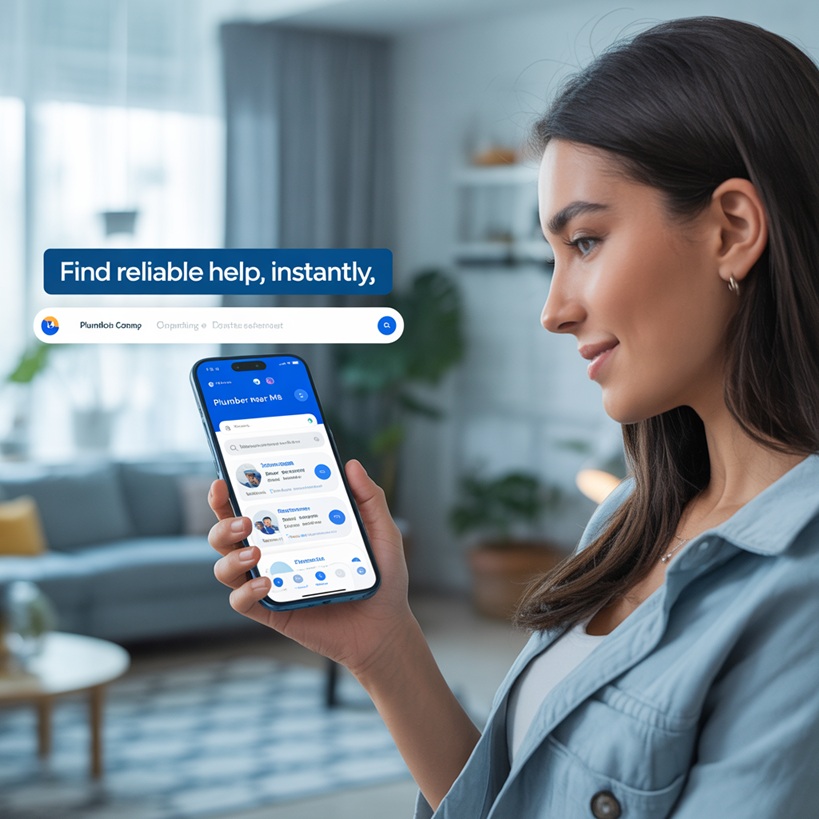
With mobile searches dominating local intent queries — like “plumber near me” or “emergency HVAC repair” — Google prioritizes mobile-friendly websites. If your site loads slowly, isn’t responsive, or provides a poor user experience on phones, it could be costing you both rankings and revenue.
Mobile optimization is no longer optional. It’s a must-have for every local service business.
How Google Evaluates Mobile Experience
Google’s mobile-first indexing means your mobile site is what gets indexed and ranked, not the desktop version.
Mobile Responsiveness
(does it adapt to different screen sizes?)
Page Speed
(especially on mobile networks)
Core Web Vitals
(Largest Contentful Paint, First Input Delay, Cumulative Layout Shift)
Clickable Elements
(buttons, links, forms)
Ease of Navigation
(menus, buttons, touch targets)
Font Size and Spacing
Can it be read easily
Avoidance of intrusive interstitials (popups that cover content)
A poor mobile experience leads to higher bounce rates and lower engagement — signals that can drop your visibility in local packs.
What a Mobile-Optimized Local Business Site Should Have
A mobile-optimized local website isn’t just about design. It’s about how easily a customer can find what they need — and convert — on the go.
Key Features to Include:
- Responsive design that adjusts for smartphones and tablets
- Click-to-call buttons prominently displayed on the homepage and service pages
- Google Maps integration with mobile-friendly directions
- Tappable service area links for quick browsing
- Fast loading times (under 3 seconds ideally)
- Sticky navigation bar for easy access to phone number or contact form
- Minimal popups that don’t interfere with user experience
- Accessible forms with autofill support and large input fields
- Service-specific landing pages that are mobile-first and keyword-targeted
- Chat or call widgets that stay visible but not intrusive
Tools to Check Your Mobile Optimization
Here are some trusted tools to test and improve your mobile readiness:
Google’s Mobile-Friendly Test
Test Your Site Friendly Quickly checks if your site is mobile-friendly and highlights usability issues like overlapping text or tiny links.
Google PageSpeed Insights
Test Your Speed Here Breaks down mobile vs desktop performance with actionable suggestions for improvement.
GTmetrix
Test Your Site Here Offers a visual performance audit and Core Web Vitals analysis. Use it to monitor loading speed and visual stability.
Chrome DevTools (Device Emulation Mode)
Built into Chrome browser. Lets you simulate your site on different devices and screen sizes for real-time design tweaks.
WebPageTest.org
Advanced testing with waterfall charts, time-to-first-byte stats, and filmstrip views. Great for troubleshooting real-world issues.
Tips to Improve Mobile SEO for Local Businesses
Optimize Load Time
Compress and lazy-load images
Leverage browser caching and enable GZIP compression
Minimize render-blocking scripts (CSS/JavaScript)
Use a lightweight theme and limit plugins if using WordPress
Enhance Mobile UX
Use large, tappable call-to-action buttons
Make text legible without zoom
Avoid full-screen popups or interstitials that block content
Simplify navigation — fewer menu items and dropdowns
Boost Local SEO Signals
Ensure your Google Business Profile is linked and mobile-friendly
Make your NAP (Name, Address, Phone) information visible and clickable
Embed Google Maps on your contact page and optimize its mobile display
Include schema markup for local business to aid search engines
Prioritize Core Web Vitals
LCP: Keep large images under control and use efficient hosting
FID: Minimize JavaScript bloat and prioritize interactivity
CLS: Set image dimensions and avoid layout shifts
📊 Mobile SEO Case Study: Before and After Optimization
Let’s look at a real-world scenario: A local plumbing company in Connecticut had a beautiful desktop website—but their traffic and leads were flatlining.
They ran Google’s Mobile-Friendly Test and failed on three counts: slow load time (8.2 seconds), tap targets too close together, and content wider than the screen. Their Core Web Vitals were in the red.
After implementing mobile optimization changes:
- Load time dropped to 2.3 seconds
- Added sticky call buttons on every service page
- Simplified header navigation
- Installed WP Rocket for caching and lazy loading
Bounce Rate Reduction
22%
Mobile Conversion Increase
37%
61%
Organic Traffic Growth
Results Within 45 Days
Moral of the story? You don’t need a full redesign—just intentional tweaks can dramatically improve performance.
⚠️ Common Mobile SEO Mistakes to Avoid
❌ Ignoring Mobile Page Speed
Slow loading = bounce = lost leads. If your site isn’t loading in 3 seconds or less, fix it.
❌ Not Testing on Real Devices
Don’t rely on desktop views or simulators only. Actually test your site on your phone, tablet, and across browsers.
❌ Using Popups That Cover Content
Full-screen popups can trigger Google penalties and frustrate users. Use slide-ins or inline CTAs instead.
❌ Forgetting Touch Targets
Your buttons should be at least 48px by 48px with padding. If users have to pinch-zoom to click, that’s a fail.
❌ Navigation That’s Too Complex
Multi-level dropdowns are hard to use on mobile. Keep menus short and sweet.
How Mobile Optimization Impacts Local Conversions
Your mobile site doesn’t just help you rank — it helps you close the deal.
A seamless mobile experience encourages:
Immediate calls
through click-to-call CTAs
Form submissions
with minimal input friction
Directions and store visits
via integrated maps
Trust and credibility
thanks to professionalism and ease of use

Final Thoughts: Be Mobile-First or Be Left Behind
In local SEO, your mobile presence is your first impression.
If your website frustrates or confuses mobile users, they’ll bounce — and likely call a competitor.
Make mobile optimization a priority, not an afterthought. Your rankings, leads, and revenue depend on it.
Start with simple changes — speed, responsiveness, and clickable CTAs — and grow from there. Regularly test and improve.
Need help
optimizing your site for mobile and local SEO? Let’s talk.