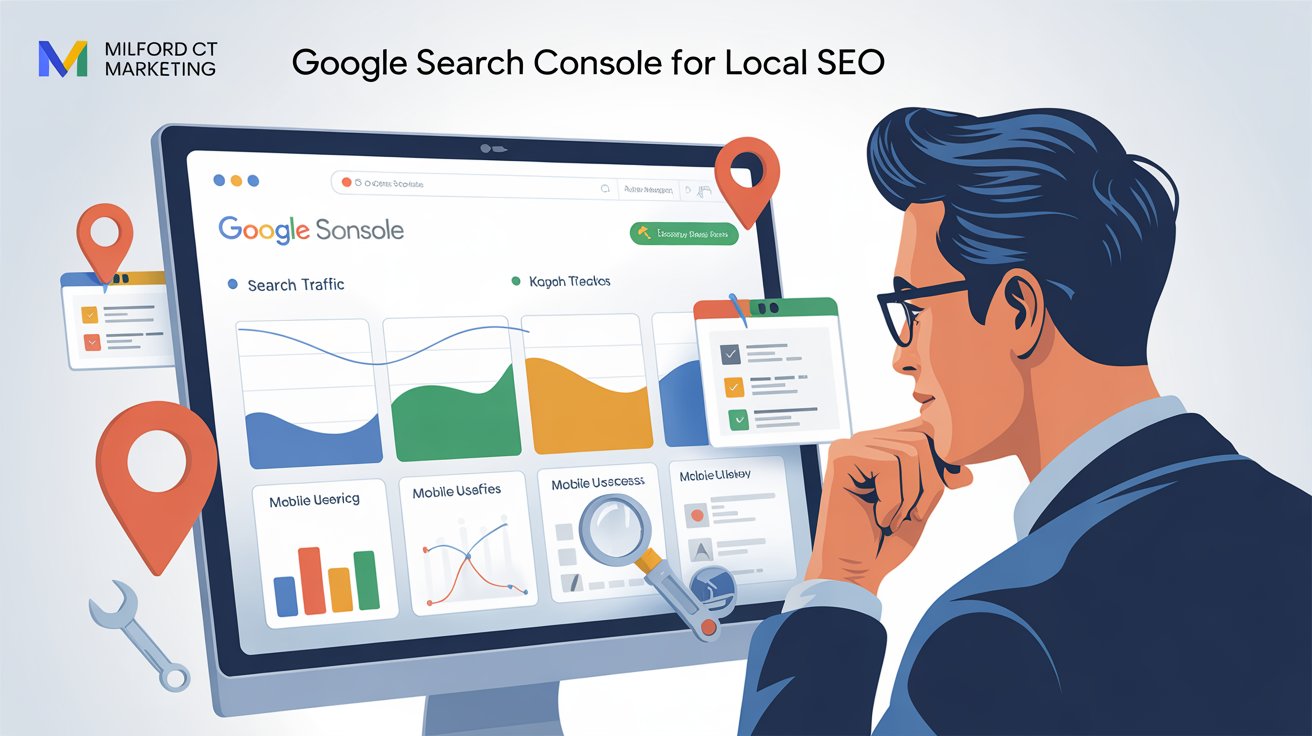
Hello and welcome to my guide on how to use Google Search Console for Local SEO.
If you run a local service business and want to get found more often in Google Maps or search results, Google Search Console (GSC) is one of the most underrated tools in your SEO toolbox.
But most business owners don’t use it.
In this guide, we’ll show you how to use Google Search Console for local SEO, why it matters, and how to unlock powerful insights that can directly impact your visibility and rankings—without needing to be a tech wizard.
If you want to learn more about Local SEO see the full guide here
What Is Google Search Console?
Google Search Console is a free tool from Google that helps you monitor, maintain, and troubleshoot your site’s presence in Google Search results.
For local businesses, it helps you:
- See what search terms people use to find your business
- Know which pages are indexed (or not)
- Identify issues that prevent ranking
- Understand how your content performs over time
And it’s free. You just need to verify ownership of your site (usually through your website host or Google Analytics) and you’re in.
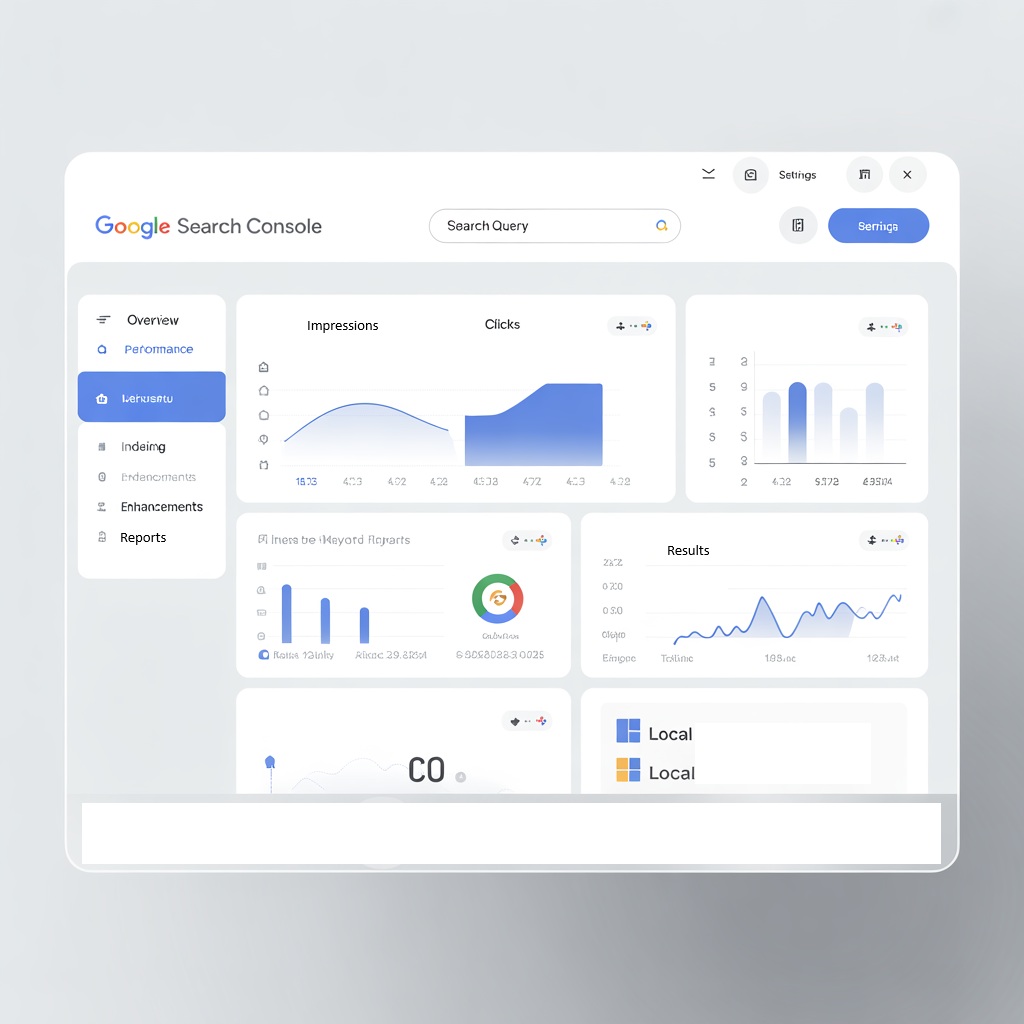
📊 How to Use Google Search Console for Local SEO Success
Google Search Console (GSC) isn’t just for technical SEO—it’s a powerful weapon for local SEO visibility. Whether you're tracking service area performance, fixing indexing issues, or optimizing click-through rates, GSC gives you direct insight into how your site performs in local search.
Why Google Search Console Matters for Local SEO
Here’s how GSC gives local businesses a leg up:
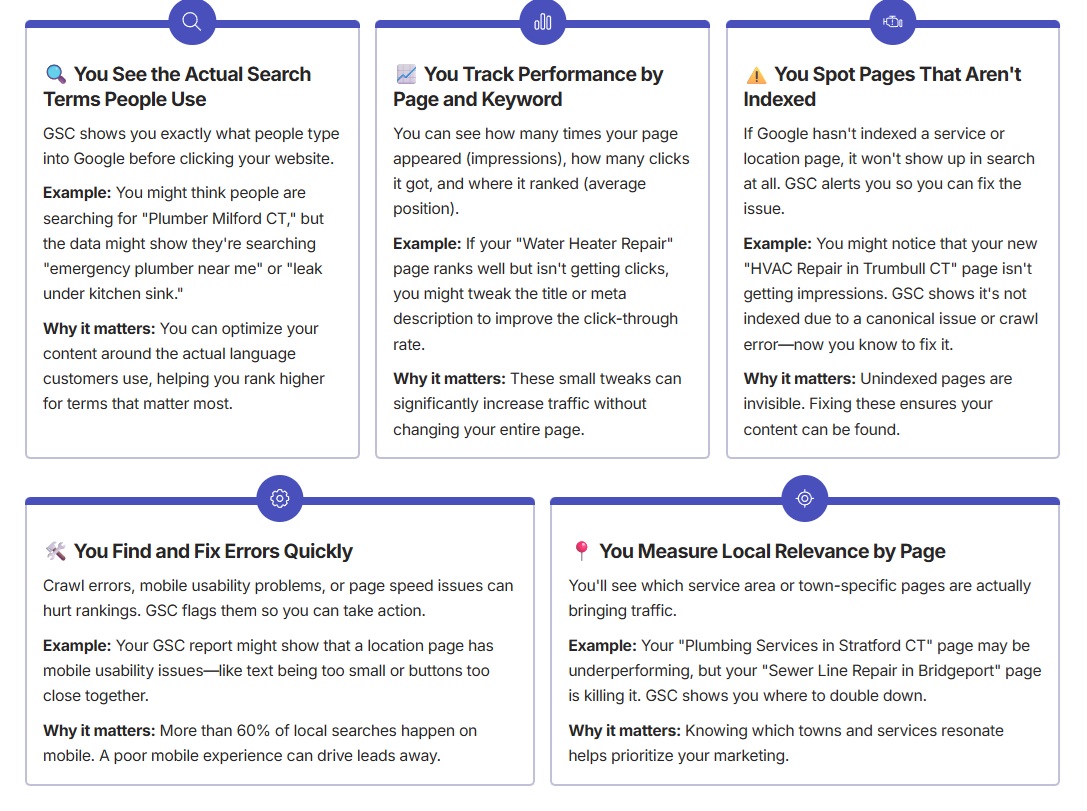
5 Things You Can Do With Google Search Console for Local SEO
Let’s walk through a few practical ways to make GSC part of your local SEO toolkit.
1. Discover Which Towns You’re Ranking In
Use the “Performance” report → click “Pages” → then “Queries.”
Tip: Filter by your town-specific pages. If your “/plumbing-orange-ct” page has impressions but low clicks, revisit the page content and add more local language.
2. Improve Your Page Titles and Meta Descriptions
Compare impressions vs. clicks. If a page has high impressions but low clicks, your title or meta description may not be appealing.
Example: Try making it more benefit-driven or adding a local element: “Fast HVAC Repair in West Haven – 24/7 Emergency Service.”
Why it matters: Higher click-through rates send positive signals to Google and can improve rankings.
3. Submit New Pages for Indexing
After publishing a new service or location page, submit it manually via the URL Inspection tool.
Tip: Especially helpful for new sites that don’t yet have strong authority. This speeds up indexing instead of waiting weeks.
4. Fix Coverage Issues
Go to the “Pages” report under Indexing → Look at “Not Indexed” issues. Fix the ones you can (like redirects or soft 404s).
Tip: Pay special attention to pages marked as “Discovered – currently not indexed.” These are candidates for improvement or resubmission.
5. Monitor Your Mobile Usability
Most local searches happen on mobile. If GSC shows errors, fix them quickly to improve rankings and user experience.
Examples of Issues to Fix:
- Text too small to read
- Clickable elements too close together
- Content wider than screen
Use GSC to Track Your Location Pages
If you serve multiple towns, GSC can help you compare performance.
Page URL
/roofing-milford-ct
/roofing-west-haven-ct
/roofing-bridgeport-ct
Impressions
1200
560
920
Clicks
122
32
88
Average Position
5.4
11.7
7.9
What to Do With This Info:
- Improve underperforming pages with better content or titles
- Double down on high-performing ones by adding FAQs or upsells
- Expand services in towns that show growing interest
GSC + Local Content Planning
Use your performance data to guide your blog and service page content strategy.
Example: If GSC shows a lot of impressions for “frozen pipe repair Milford,” write a blog post titled “How to Prevent Frozen Pipes in Milford Homes.”
This helps you:
Capture more long-tail keywords
Stay relevant to seasonal trends
Build topical authority around your main services

Final Thoughts
Google Search Console is free, fast, and filled with local SEO insights most businesses never touch.
It tells you:
- What your customers are actually searching for
- What Google sees (and doesn’t see) on your site
- Where your efforts are paying off—or falling short
If you’re serious about local rankings, start using it weekly. GSC helps you get found, get clicked, and get more local leads.
Want To Go Even Deeper
Book A Free Consult With Me On My Calander
📘 Or, grab the full High-Impact Google Business Profile Blueprint to master your Maps visibility now.