
Hello and welcome to my post on "How to Respond to Google Reviews to Boost Local SEO
In this post, learn how to respond to Google reviews the right way to build trust, improve your reputation, and boost local SEO visibility.
To learn the full strategy, visit our comprehensive guide here.
How Most Businesses Respond to Google Reviews
Most local businesses know that Google reviews matter. But did you know how you respond to those reviews can also impact your visibility in the local map pack?
Whether it's a 5-star rave or a harsh 1-star complaint, every review is a chance to build trust, reinforce your brand voice, and signal to Google that you're engaged with your customers.
In this guide, we'll walk through:
- Why review responses influence SEO
- The right way to respond to both positive and negative reviews
- Response templates you can use
- Tools to help you manage and automate responses
- Tips to turn unhappy customers into brand advocates
- How to build a review response system that works
Why Google Review Responses Matter for Local SEO
Google has confirmed that “responding to reviews shows you value your customers and their feedback.”
But there’s more:
Frequent responses increase listing activity, which may improve visibility
- Engaging responses build trust with potential customers
- Keywords in review replies can reinforce relevance to search queries
- Engaging consistently with your reviews also signals to Google that your business is active and trustworthy — a major plus for local rankings.
Review responses show both search engines and potential customers that your business cares.
Responding to Positive Reviews
Never leave a 5-star review hanging.
When someone says something great about your business, a quick “thank you” is good — but a thoughtful reply is better.
Example:
"Thanks so much, Maria! We’re glad you loved the new tile backsplash. Your kitchen looks amazing! If you ever need help with bathroom tile or floor repairs, just give us a call."
Why this works:
- Reinforces the service provided
- Opens the door for repeat business
- Includes service keywords naturally
Tips for responding to positive reviews:
- Personalize the message with the customer’s name and details
- Mention the product or service they used
- Thank them for choosing your business
- Encourage them to come back or refer others
This not only makes the reviewer feel appreciated — it shows potential customers how you treat your clients.
How to Respond to Negative Reviews Professionally
It’s never fun to see a 1- or 2-star review. But how you respond shows your professionalism — and that can win over new customers.
Negative reviews also offer a powerful opportunity to demonstrate empathy, accountability, and excellent customer service.
Steps for negative reviews:
- Stay calm and professional.
- Thank the reviewer for their feedback.
- Acknowledge the issue without being defensive.
- Explain briefly what went wrong (if known).
- Offer to resolve the issue offline.
Example:
"Hi John, we’re sorry to hear you weren’t satisfied with your recent drain cleaning. This isn’t the experience we aim for. We’d love to learn more and make it right — please call our office so we can help."
Why this works:
- Acknowledges the issue
- Shows commitment to resolution
- Moves the conversation offline
When you respond with empathy and a solution, future customers see that you care — even when things don’t go perfectly.
How to Respond to Google Reviews Tips
✅ Respond within 24–48 hours – Timely replies show you’re attentive and active.
✅ Include relevant keywords – Naturally mention your business name, services, and location when appropriate.
✅ Be authentic – Don’t use the same copy-paste reply over and over. Even small changes make a big difference.
✅ Avoid arguing – Never debate with a customer publicly. It looks unprofessional and drives others away.
✅ Encourage more reviews – End positive replies with an invitation to refer friends or leave feedback again.
✅ Monitor for trends – If multiple reviews mention the same issue, it’s a sign something needs fixing internally.
✅ Add local flavor – Mention your neighborhood or city to boost local relevance and make your reply feel more connected.
Bonus: Response Templates You Can Customize
Positive Review Template:
"Thank you [Name]! We’re thrilled to hear you’re happy with [service]. We loved working with you and appreciate your support of our local business here in [City]!"
Neutral Review Template:
"Hi [Name], thank you for your feedback. We’re always working to improve and would love to hear more about how we can earn that 5th star next time!"
Negative Review Template:
"Hi [Name], we appreciate your feedback. We’re sorry your experience wasn’t what you expected. Please contact us at [Phone/Email] so we can make it right."
Using templates can save time — just be sure to personalize them.
Tools to Help You Manage Google Review Responses
Managing reviews can get overwhelming, especially for businesses with multiple locations. Luckily, there are tools to help.
Google Business Profile Manager
The native platform allows you to respond directly and set alerts for new reviews.
Reputation Management Tools
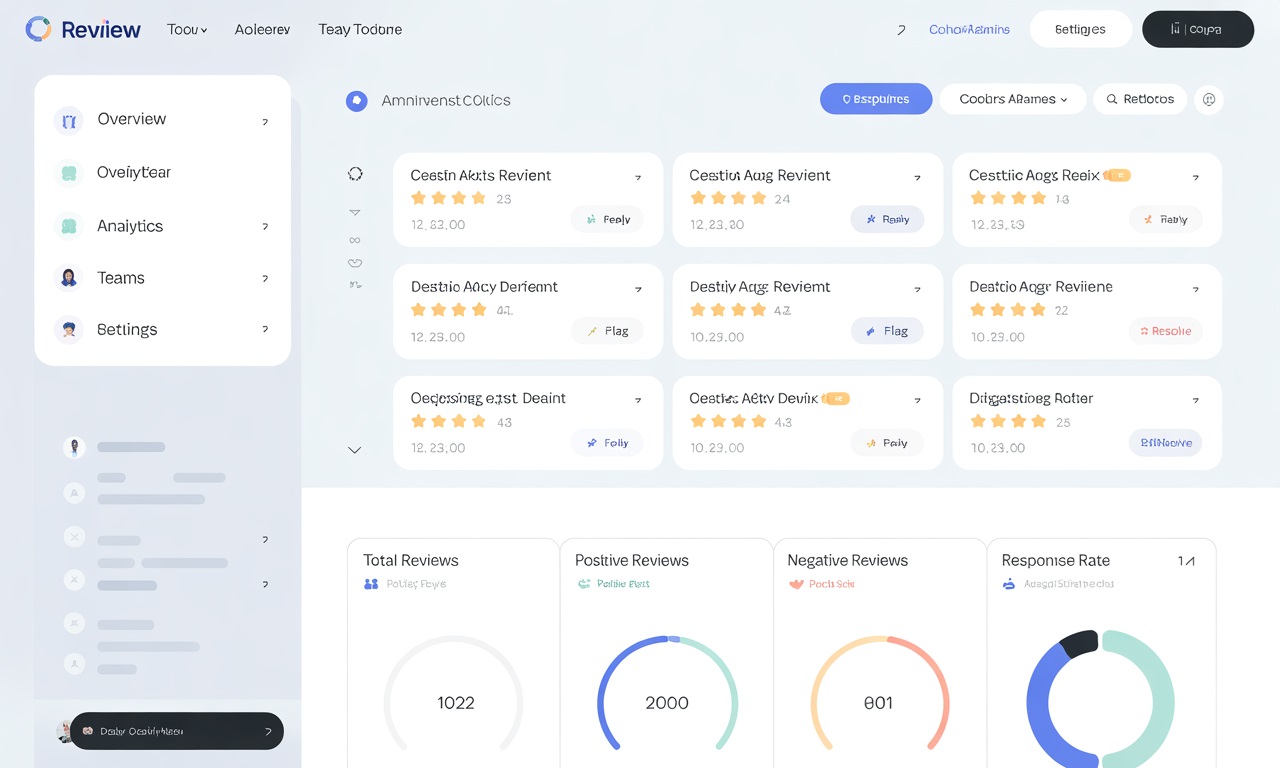
- Services like BrightLocal, Whitespark, Podium, or Birdeye let you:
- Get notified when reviews come in
- Manage responses in one dashboard
- Automate replies (cautiously)
- Track review sentiment and keyword trends
- Assign roles for multi-location response management
Google Alerts or Social Listening
Set up keyword alerts for your business name to catch mentions and third-party reviews on sites like Yelp, Facebook, or Angi.
These tools help you stay proactive rather than reactive, and ensure you don’t miss any valuable feedback.
Building a Scalable Review Response System
Assign Ownership
Choose someone responsible for monitoring and responding to reviews.
Set Review Times
Check and respond at least 2–3 times a week.
Create Templates
Use pre-written responses that reflect your tone and branding.
Track Metrics
Log reviews and responses in a spreadsheet to watch trends over time.
Review Quarterly
Assess tone, speed, and effectiveness of replies every few months.
With this system in place, your business can stay consistent, professional, and responsive — all while supporting your local SEO.
Responding to Reviews: A Core Part of Local SEO Strategy
Think of your review replies as part of your broader SEO strategy.
Each response is:
- A signal to Google that your listing is active
- A branding opportunity with potential customers
- A chance to reinforce local relevance with keywords
- A customer service touchpoint that builds trust
Businesses that consistently reply to reviews often outperform competitors who don't — not just in rankings but in conversions.
Reviews are gold — and your responses are the polish that makes them shine.
Whether you're a roofer, caterer, HVAC tech, or tile installer, how you respond to reviews influences your online reputation, customer trust, and local rankings.
Make it a habit, not an afterthought.