Welcome to my post on How To Rank in Google Maps Without Reviews. Do you need dozens of 5-star reviews or a big ad budget to show up in Google’s local 3-Pack?
Think again. While reviews and ads help, they’re not required. In this article, you’ll learn how to rank in Google Maps using smart optimization strategies—no reviews or ad spend needed.
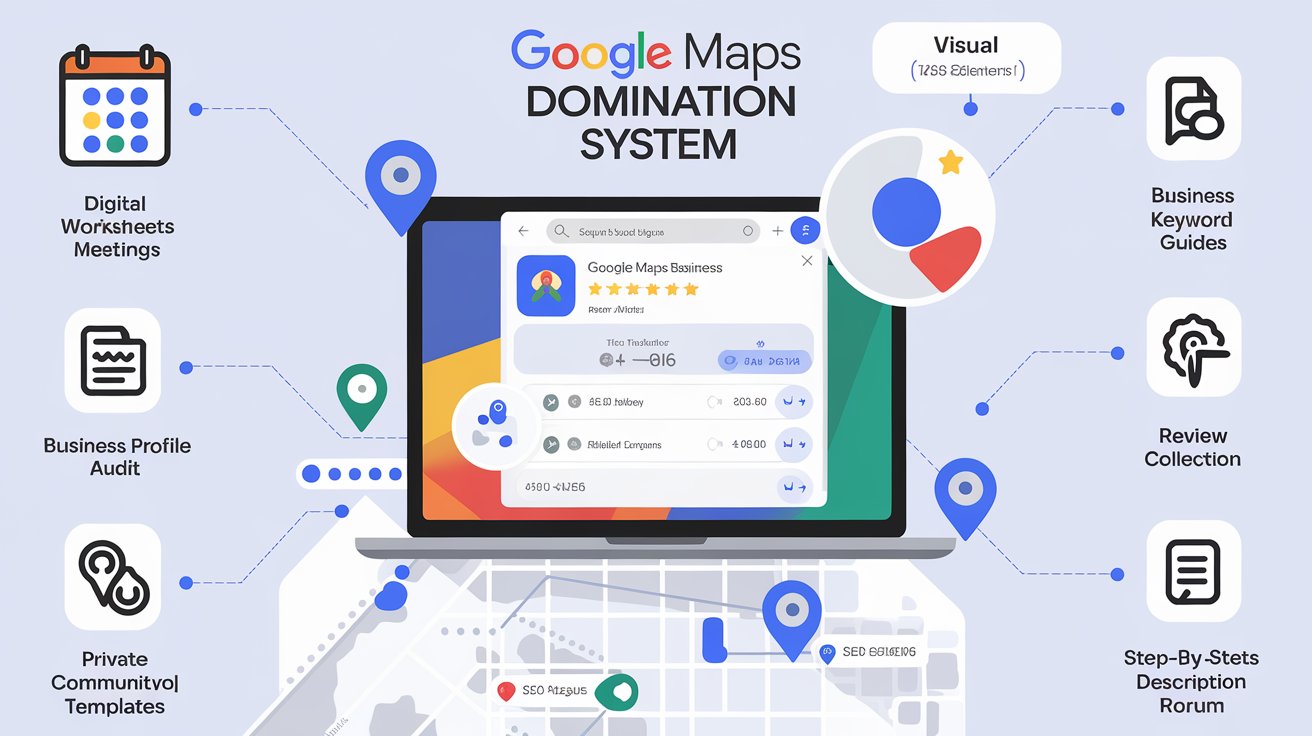
Want a complete overview of the strategies that help local businesses rank higher in Google Maps? Explore my Google Business Profile Blueprint pillar page to dive deeper.
🎯 Get the High Impact Google Business Profile Blueprint — it shows you exactly how to optimize your profile and show up in Google Maps without running ads or collecting tons of reviews.
1. Nail Your Categories and Services
Google uses your business categories and services to determine where you should appear. If you don’t set these correctly, even a perfect profile won’t help you rank.
Do this instead:
- Choose the most accurate and specific primary category
- Add relevant secondary categories
- List each service manually, with keyword-rich descriptions
✅ Pro Tip: Custom services give you a chance to target long-tail keywords others ignore.
2. Optimize Your Business Information
Your name, address, phone number (NAP), hours, and service area need to be clear and consistent.
Here’s how:
- Use a local phone number (no 800 numbers)
- Set your service area using zip codes or city names
- Match your NAP across your website, citations, and social profiles
✅ Pro Tip: Google rewards clarity and consistency.
3. Use Photos to Build Trust and Relevance
Photos aren’t just for looks—they're data. Every image uploaded to your Google Business Profile can help Google understand what you do and where.
Tips:
- Rename files before uploading (e.g., "milford-hvac-installation.jpg")
- Upload photos of completed jobs, staff, vehicles, and your location
- Include a logo and branded cover image
✅ Pro Tip: Add geotags to your photos before uploading.
4. Publish Weekly Posts
Google Posts help keep your profile fresh. It’s a signal to Google that your business is active and trustworthy.
Do this:
- Post once per week minimum
- Use service promotions, tips, and seasonal offers
- Always include a call-to-action like "Call Now" or "Get Estimate"
✅ Pro Tip: Add keywords naturally to your post titles and descriptions.
5. Build Authority with Your Website
Your website is an extension of your profile. Google looks at it to validate what you say your business does.
Make sure you:
- Create individual service pages that match your GBP services
- Use the same categories and service language
- Embed your Google Business Profile map
✅ Pro Tip: Internally link your service pages to your GBP landing page.
You Don’t Need Reviews to Rank—But You Do Need Strategy
Reviews help build trust, but they’re not a ranking requirement. Many businesses get stuck waiting for reviews and never take action.
The truth? You can start ranking now using a proven system.
🎯 Get the High Impact Google Business Profile Blueprint — it shows you exactly how to optimize your profile and show up in Google Maps without running ads or collecting tons of reviews.
Next Up: Google Business profile mistakes