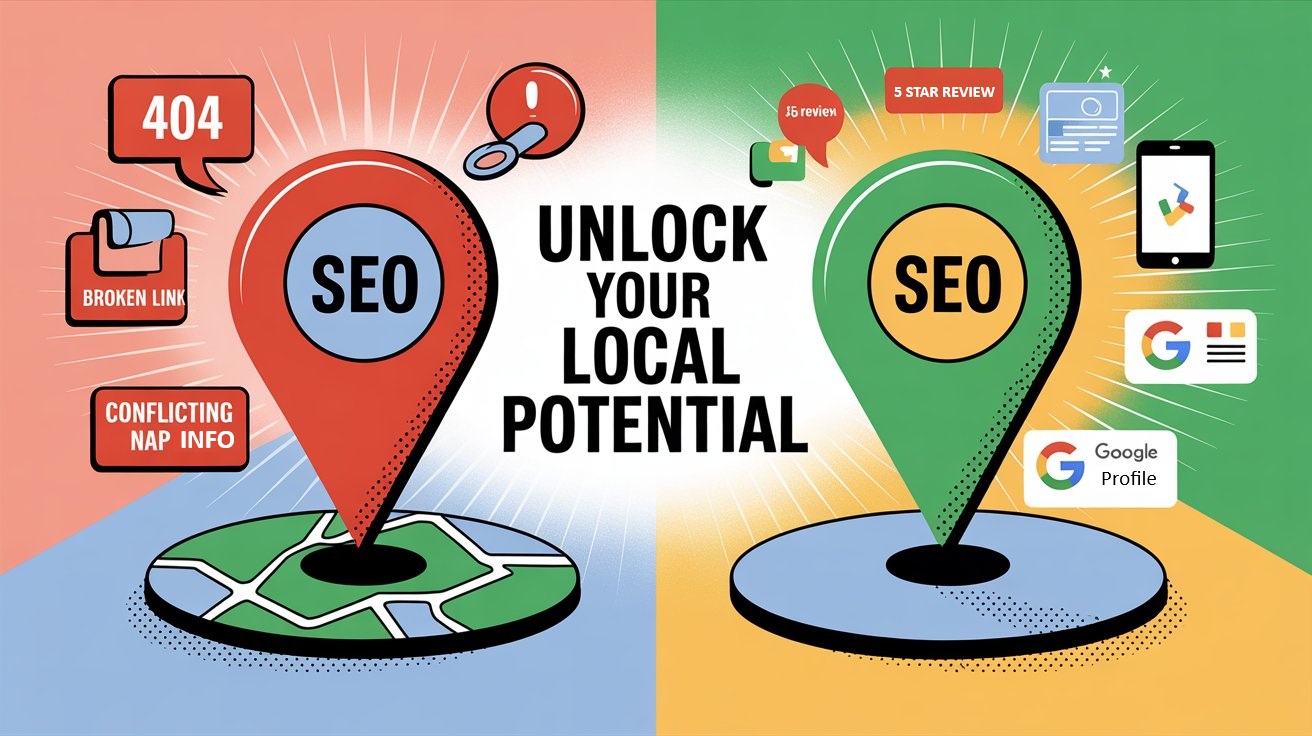
Welcome to this post on How to fix local SEO Issues that may be stopping you from ranking in the Google Search Engine Results or (SERPS)
If your business isn’t showing up in local search results—especially on Google Maps—you may be facing hidden local SEO issues that are costing you leads. Fixing these issues doesn’t have to be complicated, but you do need to know what to look for.
In this post, I will walk you through the most common problems hurting your local visibility and how to fix them, step by step.
If you would like to see all the SEO content we share with you visit our Local SEO oage here
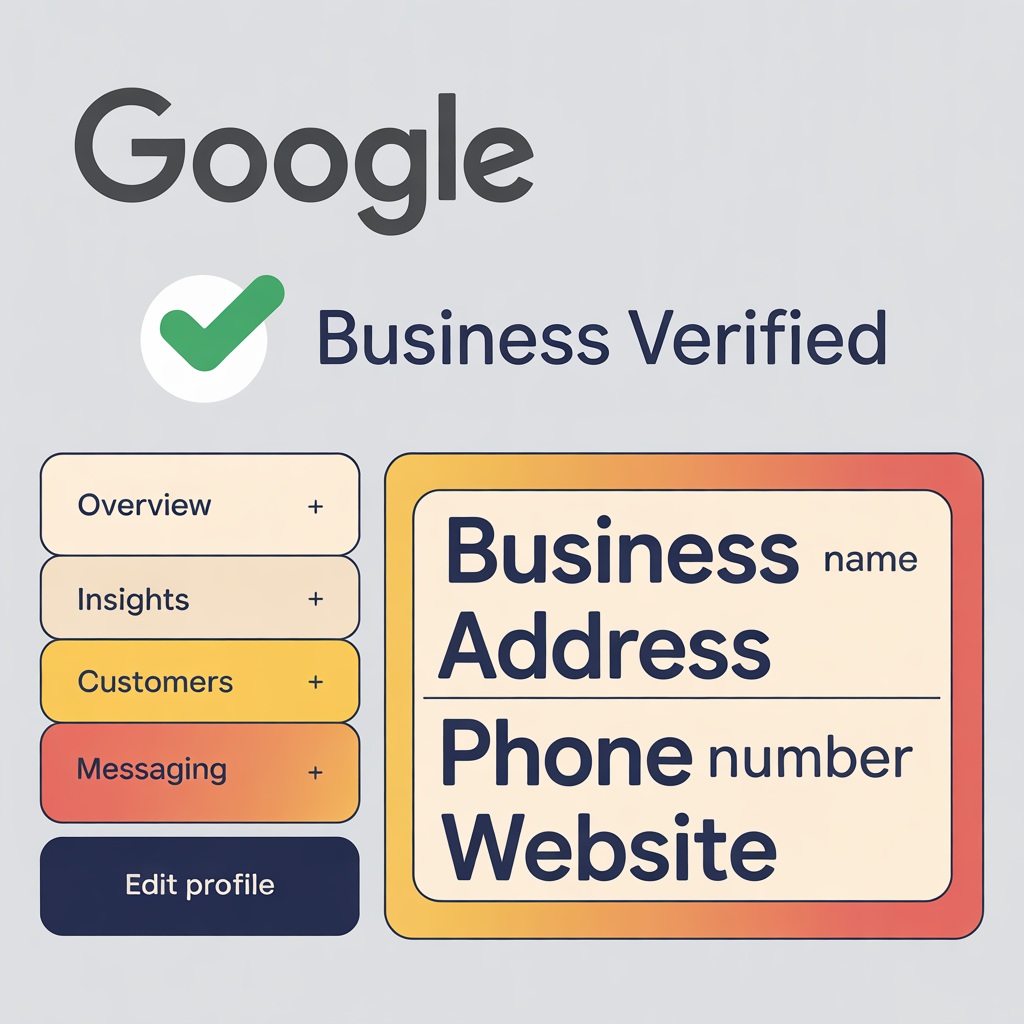
Your Google Business Profile (GBP) is the cornerstone of local SEO. If it’s incomplete, unverified, or inconsistent, your chances of showing in the map pack drop dramatically.
How to Fix It:
- Verify your profile. Make sure you’ve claimed and verified your business.
- Complete every section. Include categories, services, business hours, photos, and a business description.
- Use your real business name. Don’t stuff it with keywords—that can get you suspended.
Want a full optimization guide? Check out our Google Business Profile Blueprint.
2. NAP Inconsistency Across the Web

NAP stands for Name, Address, Phone Number. If your NAP is inconsistent on your website, citations, and directories, Google doesn’t know which is correct.
How to Fix It:
- Use a tool like BrightLocal or Whitespark to audit citations.
- Correct listings that show outdated addresses or phone numbers.
- Make sure your NAP is exactly the same on every site—even punctuation matters.
Need more help? Read our full post on NAP consistency and SEO.
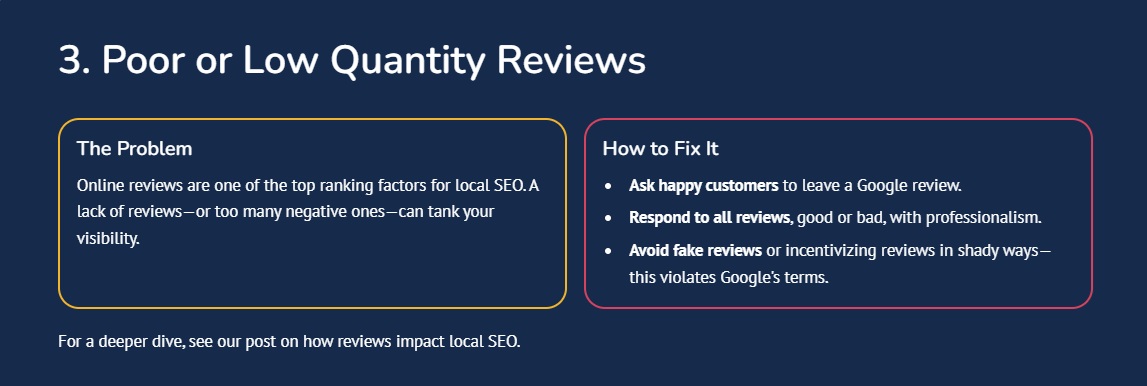
How to fix local SEO Issues With High Quality Reviews
4. Weak or Missing Location Pages
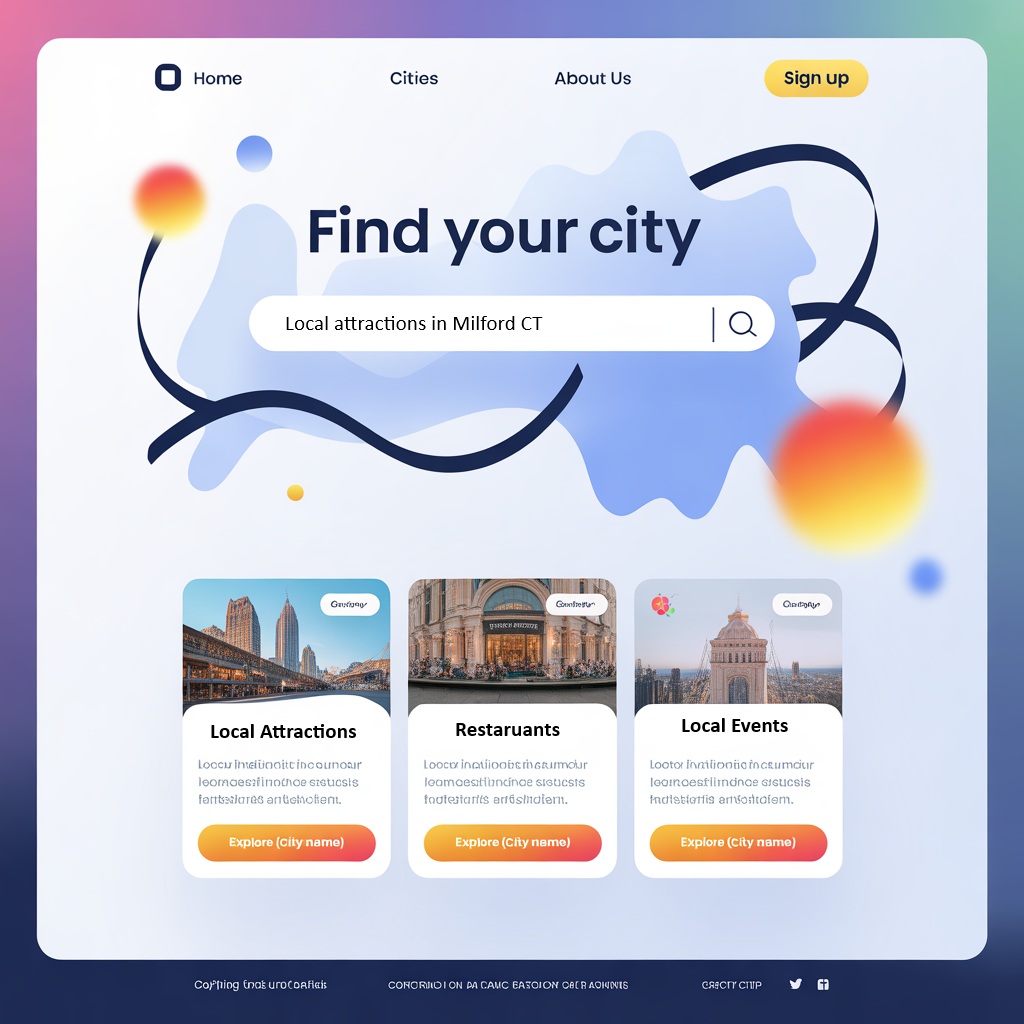
If you service multiple towns or cities, you need individual pages for each location. Generic service pages won’t rank.
How to Fix It:
- Create a separate, optimized page for each location you serve.
- Include localized content like city names, landmarks, and service info.
- Link to these pages from your homepage and footer.
Check out our guide on multi-location local SEO.
5. Lack of Local Schema Markup

Schema helps Google understand your business better. Without local business schema, you're missing an opportunity to improve visibility.
How to Fix It:
Use a schema generator or plugin to add LocalBusiness markup.
Include info like business name, address, phone, hours, and service area.
Learn more in our post on Local SEO schema markup.
7. Missing or Unclear Service Areas
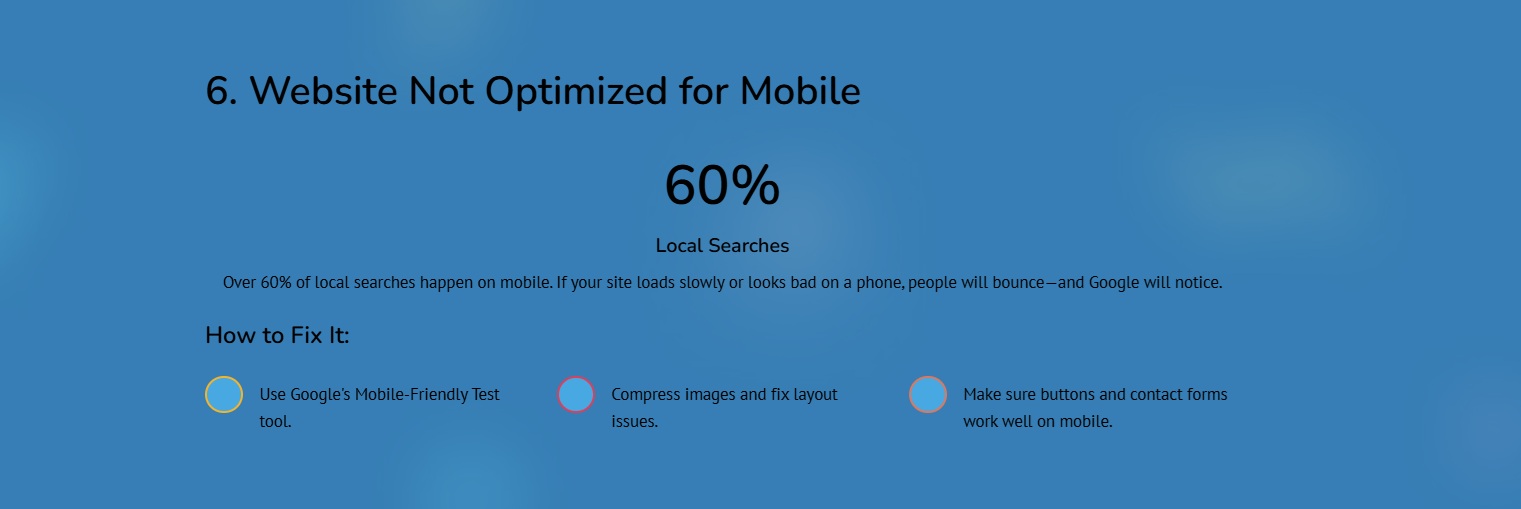
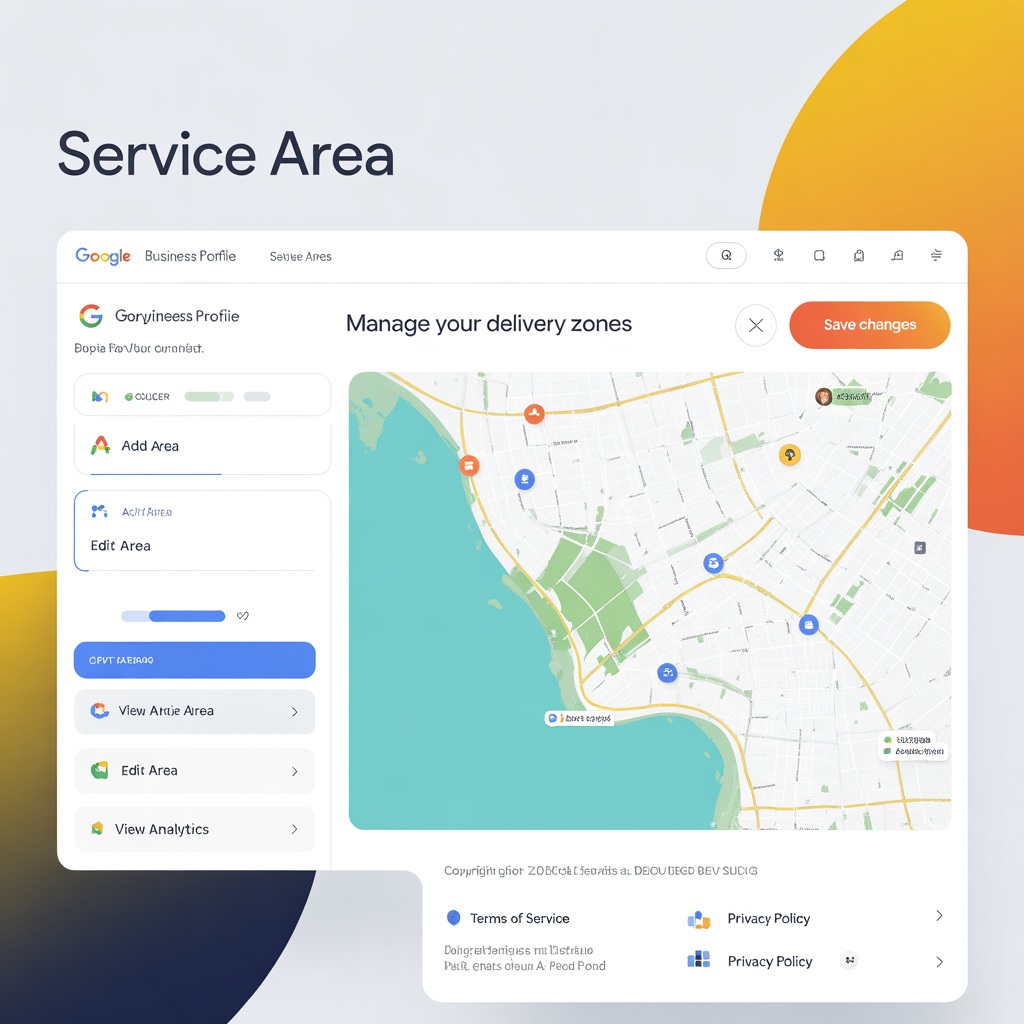
If you’re a service area business (SAB) like a plumber or electrician, your service areas should be clear.
How to Fix It:
List service areas clearly on your site and GBP.
Don’t use fake addresses—use the Service Area feature in GBP.
8. No Tracking or SEO Reporting in Place
You can’t fix what you don’t track. Many local businesses never realize their SEO is broken because they don’t measure it.
How To Fix It
Set up Analytics
Set up Google Search Console and Google Analytics.
Monitor Insights
Monitor Google Business Profile Insights.
Track Clicks
Use UTM links to track clicks from GBP to your website.
Need help? Check out our post on tracking and reporting for local SEO.
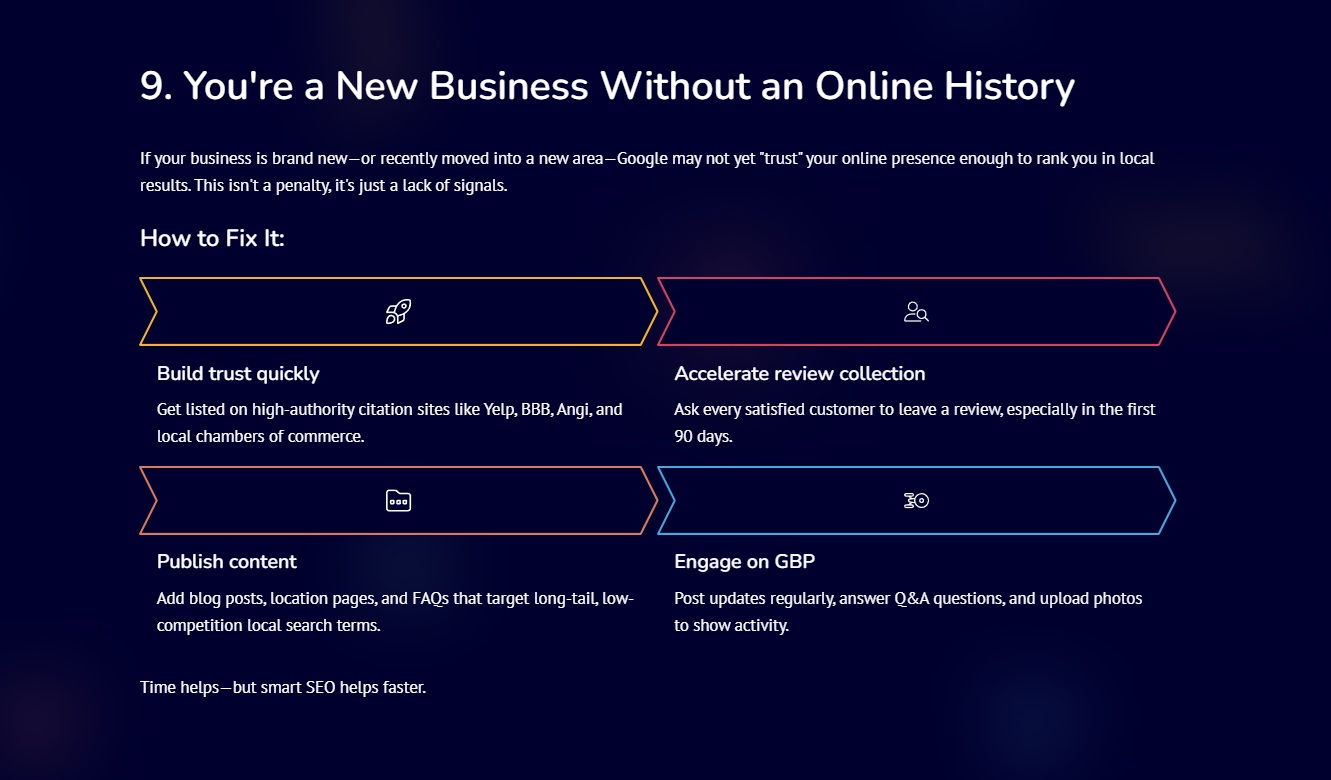
What If You Are A New Business
Fixing These Local SEO Issues = More Leads
When you fix these hidden issues, you open the floodgates for high-intent, local traffic. Many of your competitors are ignoring these basics—this is your chance to leapfrog them.
Local SEO isn’t just about visibility. It’s about being found by people who are ready to call, click, and convert.
Ready to Fix Your Local SEO and Start Ranking?
You don’t have to guess your way through local SEO. Grab our free Local SEO Checklist PDF and start improving your visibility today.
And if you’re ready for step-by-step help, download our High-Impact Google Business Profile Blueprint or book a free consultation.