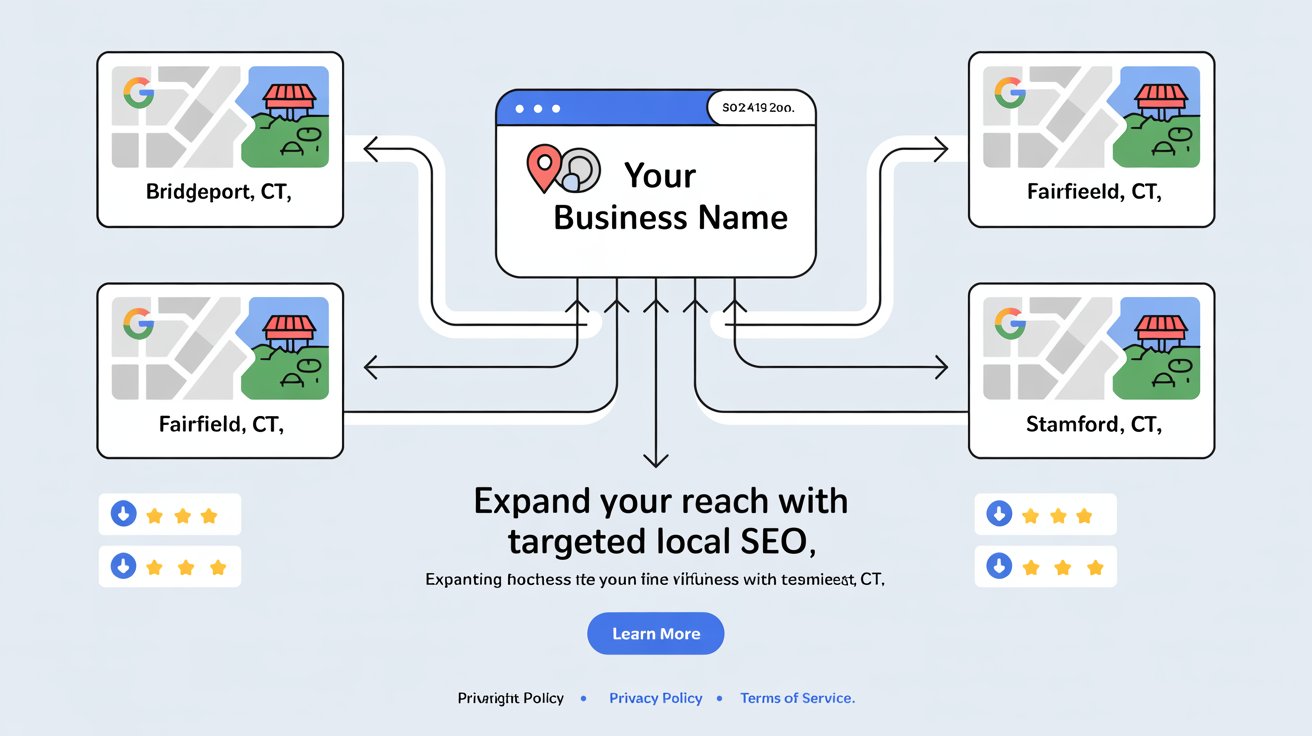
If you’re wondering how to do local SEO for multiple locations, especially without physical storefronts, you’re not alone. Many service-area businesses (SABs) want to rank in more than one city, but Google’s proximity bias often holds them back.
But here’s the thing—before Google even considers indexing your content, you need to create it. That means publishing well-structured, helpful, and optimized location-based pages.
If your website is brand new or lacking authority, Google may not find these pages on its own.
Fortunately, you can ask Google to crawl them directly using Google Search Console. Submitting a page manually can get it indexed faster and increase your visibility right away—especially when you're just starting out.
To rank in multiple towns or cities, your content strategy must be intentional. You can’t simply clone the same service page and swap out town names. Instead, you need to build a local SEO ecosystem that communicates relevance and authority across every service area. To learn more about the SEO process for local businesses Visit this page
This guide walks you through exactly how to structure your site, optimize your content, and build authority so you can win in more than just one zip code.
Google Business Profiles are great—but they’re tied to physical locations. So, if you serve 10 towns but have one office (or none at all), you’ll struggle to show up in the map pack beyond your immediate area.
That’s where multi-location SEO strategy comes in.
With the right content structure, NAP consistency, schema, and internal linking, you can:
- Show up in organic local results across all your target towns
- Drive traffic even where your GBP isn’t visible
- Compete with multi-office companies
If you skip this, you’re essentially invisible in 80% of your service area. With it, you become the local go-to across multiple zip codes.

Start with a Master Service Area Page
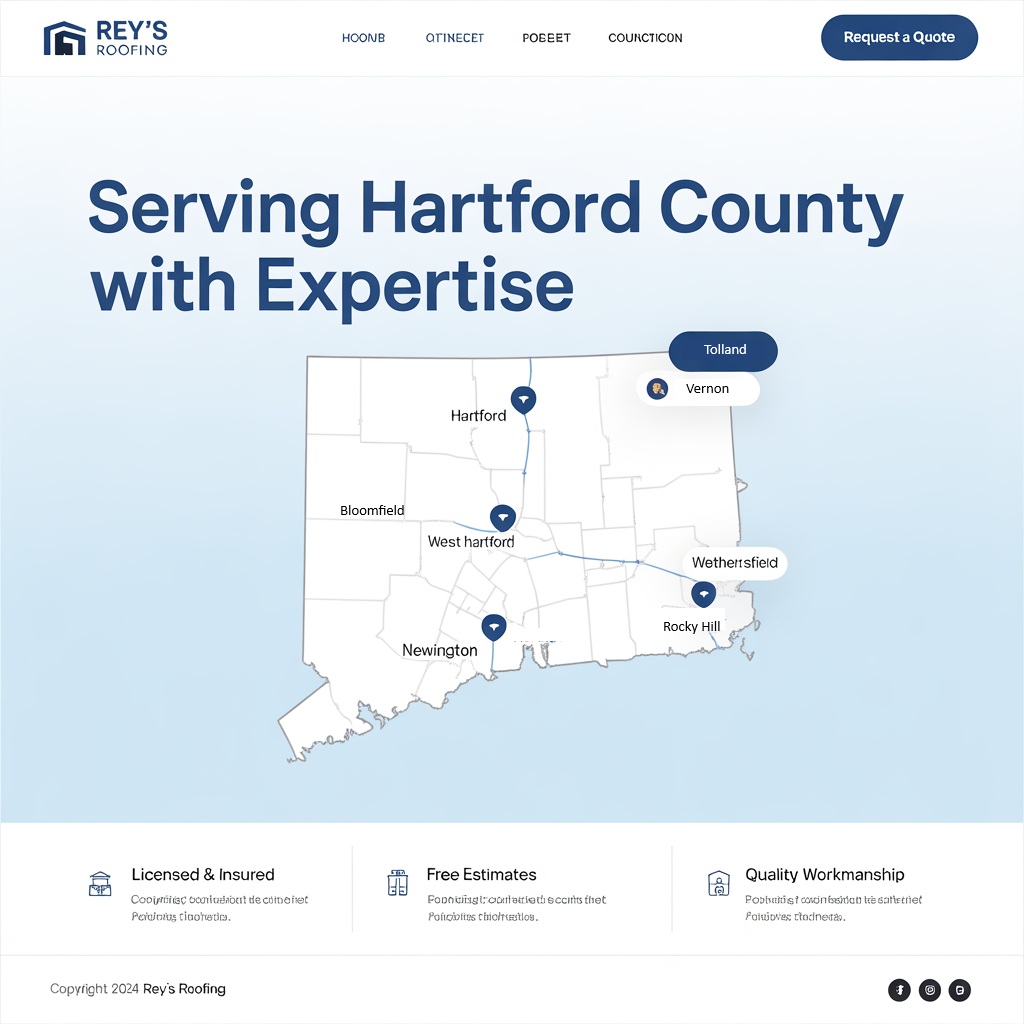
This page is the hub for all the towns or cities you serve. Think of it as your "regional authority page."
Structure:
- A short intro about your business and overall service area
- List of all the towns you serve (linked to individual location pages)
- Embedded Google Map of your headquarters (if applicable)
- Call-to-action leading to quote/contact page
This is your anchor for building trust and topical relevance.
Make sure the copy isn’t generic. Mention how your services apply across the region and tease what’s unique about each city you serve.
Build Optimized Location Pages for Each Area
These aren’t duplicates. Each page must include:
Unique local content:
Talk about landmarks, neighborhoods, and events specific to that area
Localized service descriptions:
Tailor your services to the city/town context
Geo-tagged images:
Upload original images with metadata
Location schema:
Use LocalBusiness schema with area-specific data
Internal links:
Link back to your service area hub and related services
Example Location Page Content Outline
- H1: Tile Installation Services in Bridgeport, CT
- H2: Why Homeowners in Bridgeport Choose Us
- H3: Custom Tile Work Near Downtown, Black Rock & More
- H3: What’s Included in Our Bridgeport Tile Services
- H3: Request Your Free Bridgeport Quote Today
Each location page should include city-specific testimonials, photos from past projects, and links to community organizations you’ve worked with.
What to Do When You Don’t Have a Storefront
This is where many get stuck.
If you don’t have a location in a city, you can’t create a GBP for it. But you can still establish strong visibility. Here's how:
Rank organically with your location page:
This means your standalone page for a town (like /plumbing-services-westport-ct) can rank in Google’s organic results, even if you don’t show up on the map.
To do this, make sure the page includes location-specific keywords (like “roofing in Westport”), has detailed, helpful content, and provides proof of service such as testimonials or project photos.
These pages compete for traditional search listings below the maps section.
Target long-tail keywords:
Focus on more specific search terms that include the service and the city, like “emergency plumber in Orange CT” or “affordable HVAC repair in Shelton CT.”
These lower-competition keywords make it easier to rank and attract more qualified leads.
Earn links from local directories:
Submit your site to city-specific directories like local chambers of commerce, news sites, neighborhood blogs, or community calendars.
Even without a physical address, being listed as a recommended service builds local authority and sends powerful signals to Google.
Build area-specific reviews/testimonials:
Ask customers in each city to mention their location when leaving a review. For example, “They fixed our AC in Trumbull during a heatwave!” This reinforces your relevance to that city and makes your brand appear more locally trusted—even in places where your GBP doesn’t exist.
Sponsor events or write blog content about the community:
Show involvement in the town. Write blog posts about town-specific home improvement tips, sponsor a youth sports team, or highlight a local business you collaborate with. Google pays attention to location signals in your content, and so do potential customers.
If you’ve done work in a town—even once—turn it into a story. Add project photos, name the city multiple times, and build a case study. These efforts build hyperlocal trust and demonstrate your presence in the community.
Best Practices for Multi-Location SEO
To rank in multiple areas, here’s what you need across the board:
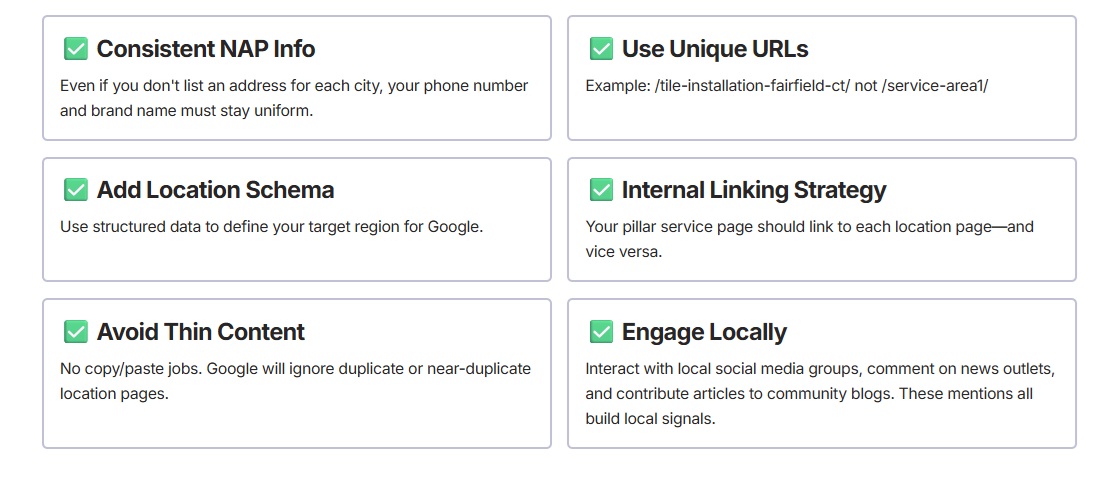
Blogging to Support Location SEO
Create blog content that supports specific towns. For example:
- “Top Tile Trends in Fairfield County Homes”
- “What to Expect from a Kitchen Remodel in Norwalk”
Mention your service locations throughout, and link to the relevant city page.
You can also create seasonal or event-based blog posts that connect your brand to the local calendar—parades, town fairs, or local high school sports.

Get Reviews from Multiple Locations
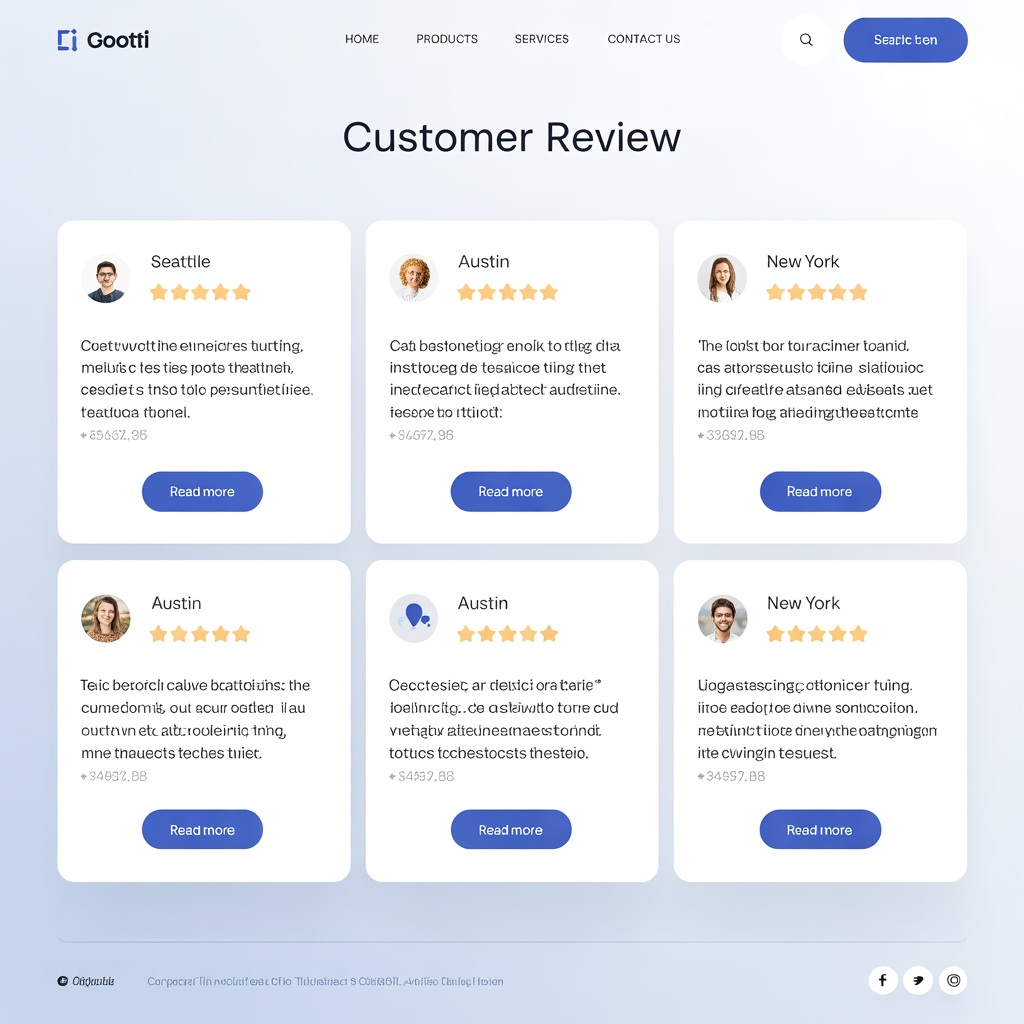
Even if your GBP is tied to one address, you can still:
- Collect reviews mentioning other cities (e.g. “great service in Stratford!”)
- Use job photos from across your service area in your gallery or blog
- Encourage customers to post city-specific testimonials on third-party review sites
Consider adding a simple review form on your site asking, “What town did we serve you in?” so you can pull geo-specific feedback.
Tools to Help You Scale
If you serve 10, 20, or even 50+ towns, automation helps.
BrightLocal
Audit citations by location
Surfer Local
SERP data for each town
PageOptimizer Pro
Helps with on-page optimization at scale
Google Search Console
Track impressions per location page


Final Thoughts
Learning how to do local SEO for multiple locations without storefronts isn’t just possible—it’s one of the best ways to expand your reach without opening new offices.
You can absolutely dominate nearby towns if you:
- Create unique, optimized content
- Leverage location schema and NAP consistency
- Blog with a local mindset
- Collect proof from jobs in those areas
- Build internal links like a silo
Start with just 3–5 towns. Build strong location pages, track results, and then scale up. Most of your competitors won’t take the time to do this right—you can.
Ready to Expand Your Local Reach?
If you’re serious about showing up in more towns, let’s talk. I offer free consultations to service business owners who are ready to grow.
📘 Or grab the High-Impact Google Business Profile Blueprint and start ranking smarter today.