Welcome to my post about Google Business Profile Features.
7 Hidden Features of Google Business Profile That Drive Calls
Most business owners don’t realize just how powerful their Google Business Profile can be, because they’re only using the basics. But GBP has several underused features that, when properly activated, can significantly increase your visibility and call volume.
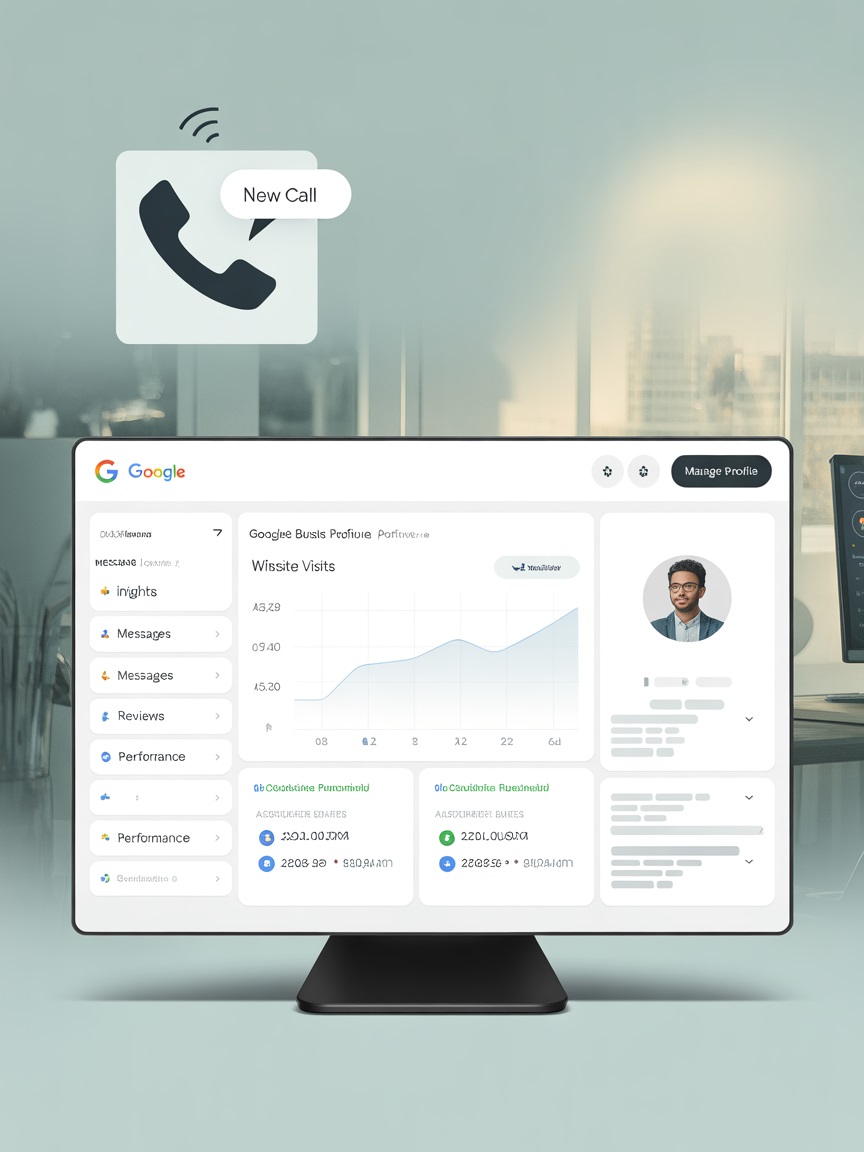
Custom Services (With Keywords)
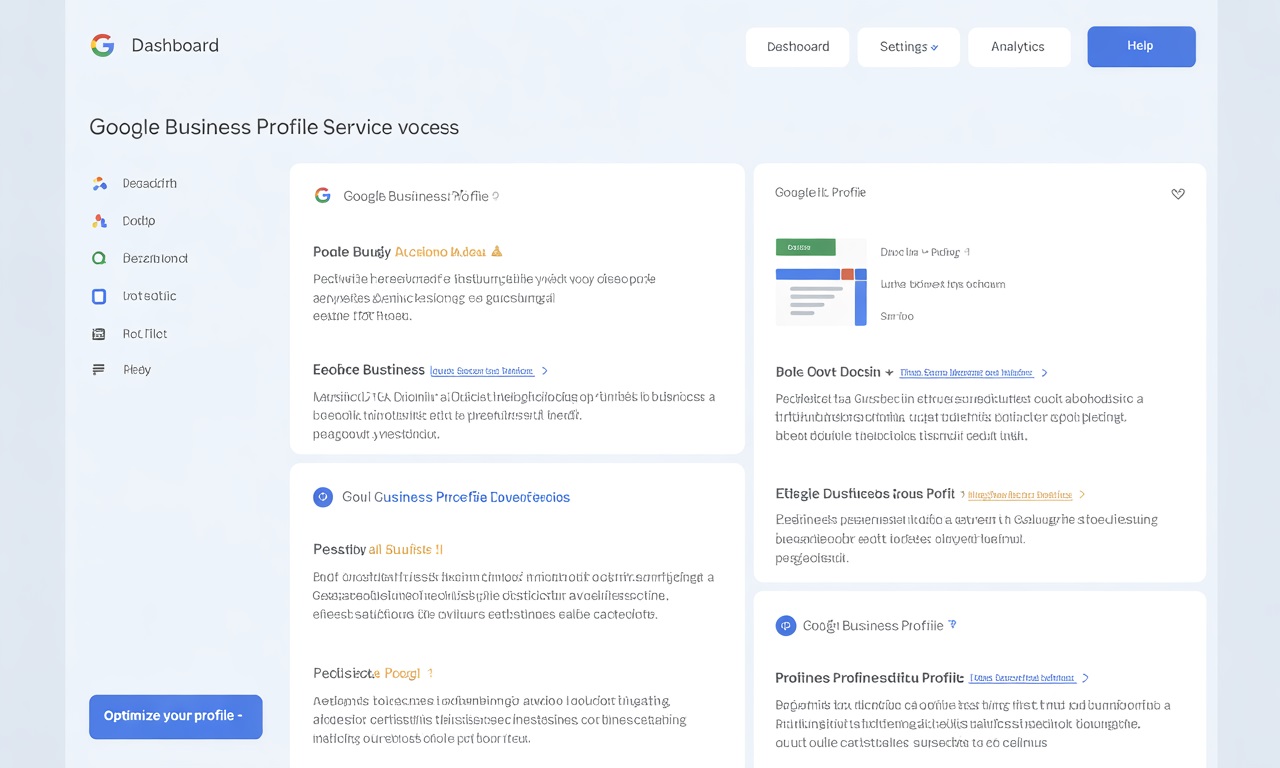
You can manually add services and write your own descriptions. This is prime SEO real estate.
- List each service your business provides
- Write unique, keyword-rich descriptions that mention your location
- Keep descriptions short but specific (around 200–300 characters)
✅ Pro Tip: Include questions your ideal customer would search, like “Do you install tankless water heaters in [City]?”
Messaging (Instant Lead Capture)/h3>
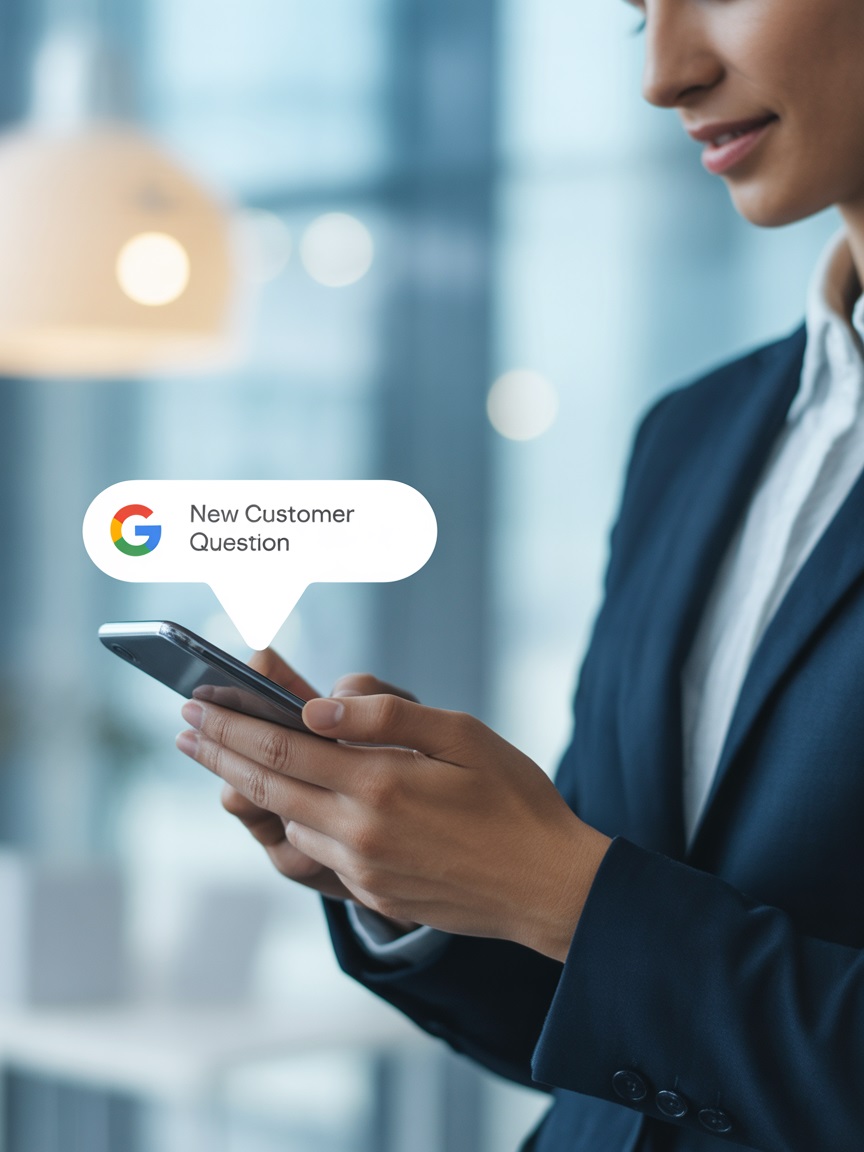
Enable Messaging
Turn this on in your GBP dashboard
Connect A Devise
Link it to a mobile device or email you monitor
Quick Response
Respond quickly to maintain visibility and ranking boosts
✅ Pro Tip: Use a script to speed up responses and pre-qualify leads.
Booking Integration
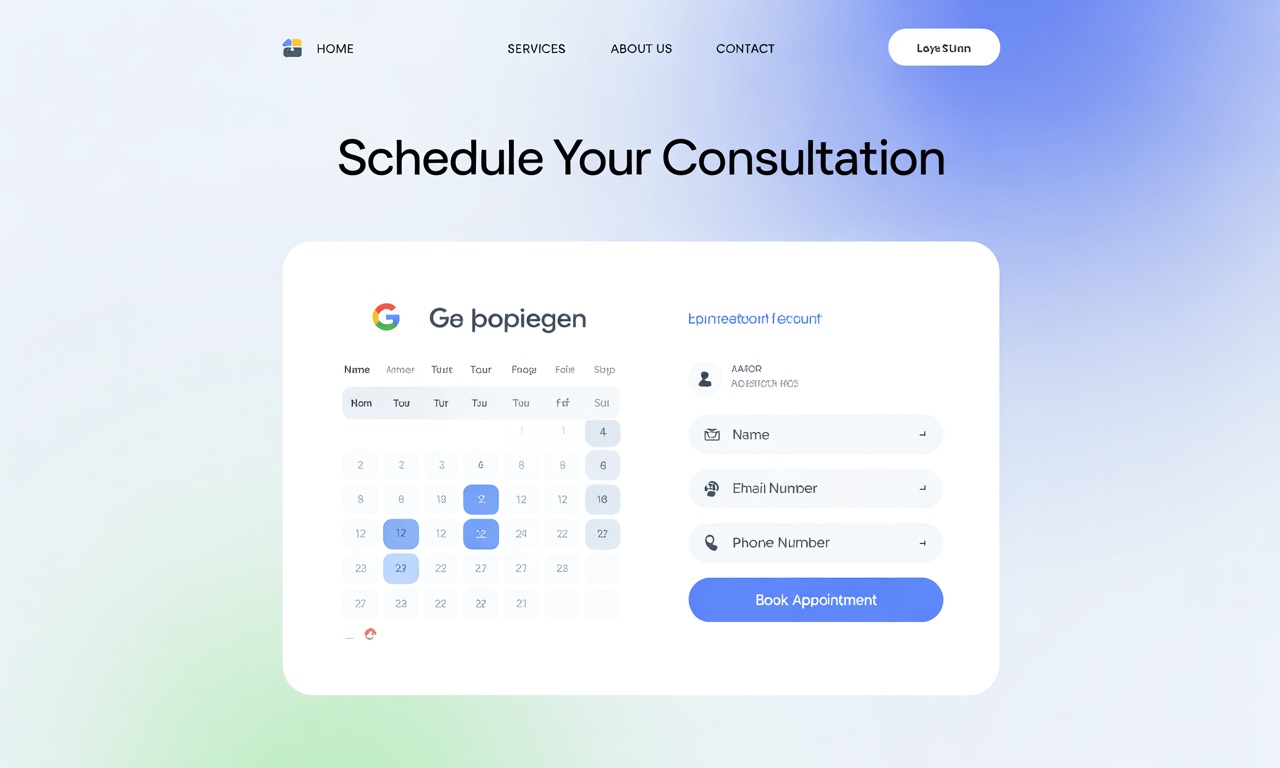
If you use platforms like Calendly, Square, or Housecall Pro, you may be eligible to link your booking system to GBP.
- Allows customers to schedule directly from search
- Reduces friction and increases conversions
- Creates stronger engagement signals to Google
✅ Pro Tip: Keep your booking calendar updated and make it mobile-friendly.
Highlighted Attributes
Attributes like "Women-led," "Veteran-owned," or "Free Estimates" can set your business apart.
-
Add all applicable attributes in your GBP dashboard
-
Attributes appear as visual trust signals in search
-
Helps with both visibility and click-through rate
✅ Pro Tip: Choose attributes that reflect what your audience values most.
Product Listings (Even for Services)
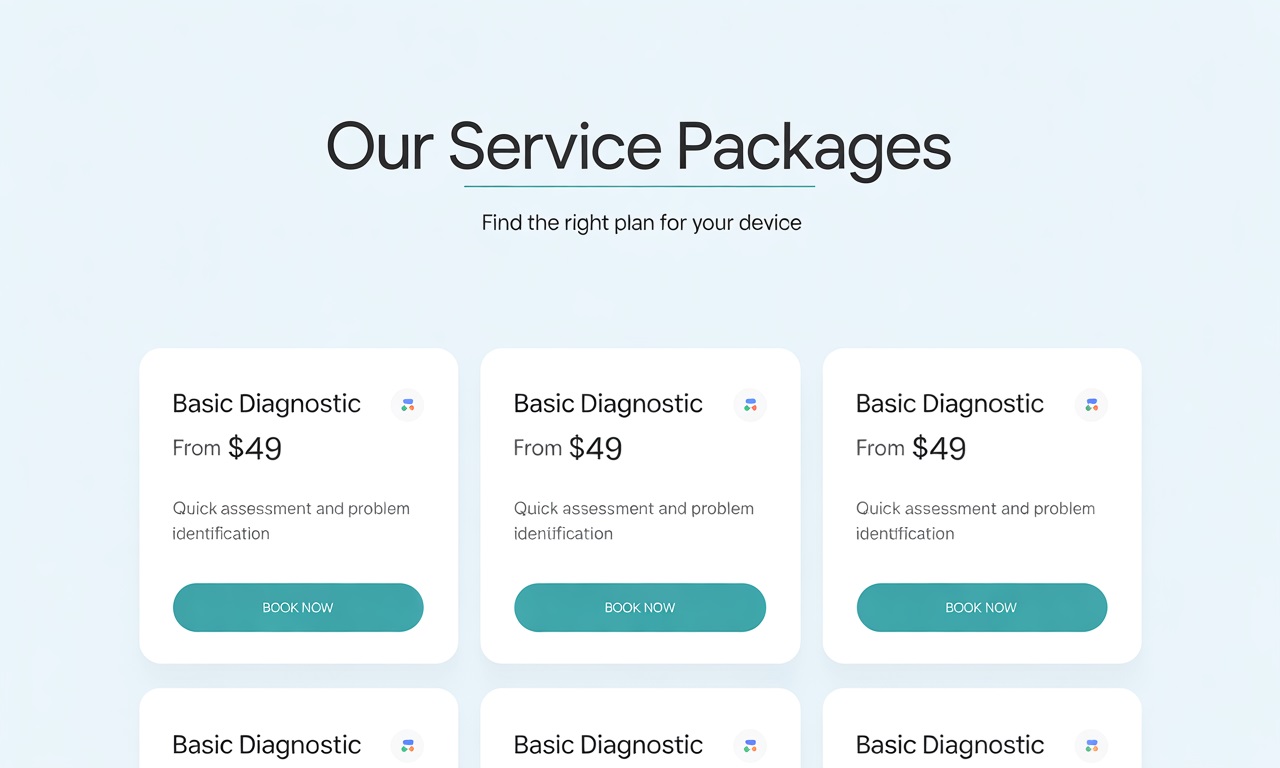
Yes, you can use the "Products" section to highlight flat-rate services or common offerings.
- List services like “Drain Cleaning - $99” or “AC Tune-Up Package”
- Add a description, image, and CTA button
- Use it to drive conversions directly from your GBP
✅ Pro Tip: Create a few seasonal service packages to showcase here.
UTM Tracking on Website Link
Adding a simple UTM code to your website link in GBP allows you to track GBP-driven traffic in Google Analytics.
Helps measure how many calls or form submissions come from GBP
Shows up as a distinct traffic source in reports
Gives you insight into profile performance beyond what GBP offers
✅ Pro Tip: Use a UTM builder tool and keep it clean, e.g., utm_source=google&utm_medium=organic&utm_campaign=gbp
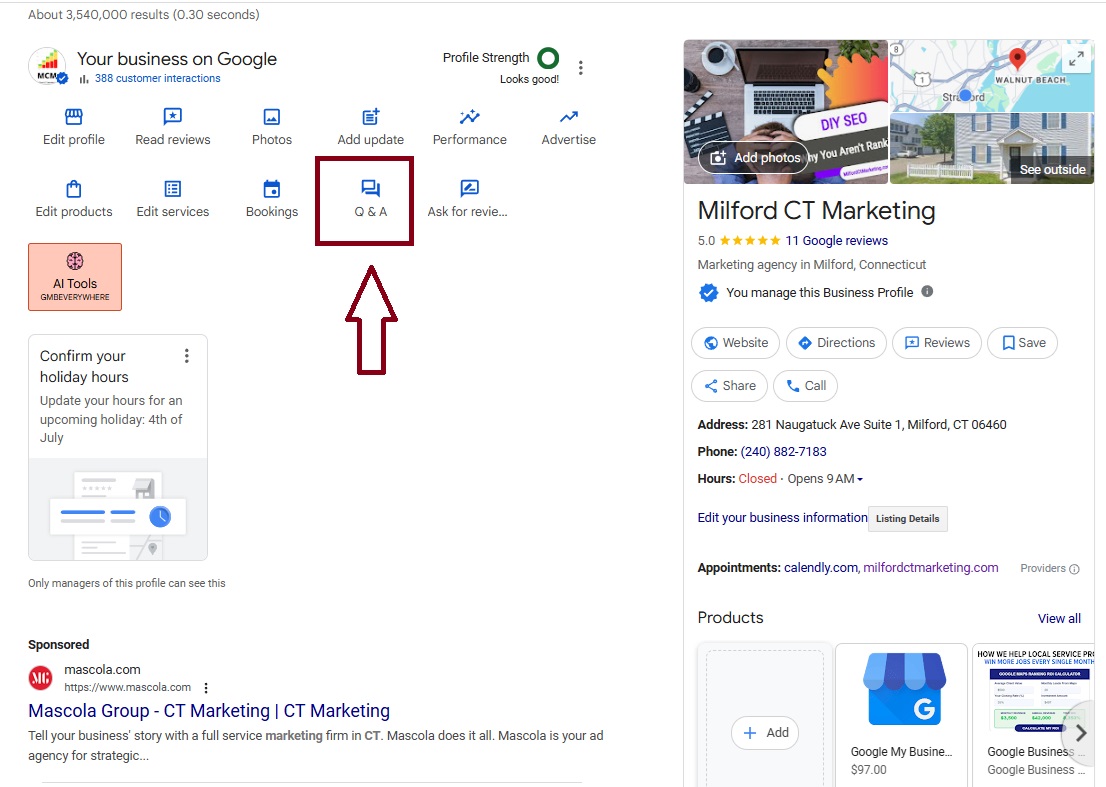
Questions & Answers (Q&A Section)
This section is indexed by Google—and completely under your control.
-
Add 3–5 common questions
-
Answer them clearly with natural keywords and location mentions
-
Monitor regularly to respond to new user-submitted questions
✅ Pro Tip: Treat this section like a local FAQ that answers objections and builds trust.
Turn These Features Into Leads
All 7 of these features are part of a fully optimized profile, but most business owners leave them untouched. Want a step-by-step system to activate and use them correctly?