Welcome to my post on "What to do after claiming your Google Business Profile". I hope you enjoy and get value here.
Claiming your Google Business Profile is just the beginning. If you stop there, you're missing out on the full power of local SEO. To actually rank in Google Maps and generate calls, you need to take action immediately after claiming your profile.
Step 1: Verify Your Business Information
Double-check that your business name, address, and phone number (NAP) are accurate—and consistent with what’s listed on your website and other directories.
- Use your real business name (no extra keywords)
- List a local phone number (not a call center or toll-free number)
- Match your physical address exactly with what's on your site
✅ Pro Tip: Formatting matters—"123 Main Street" vs. "123 Main St." can throw off your consistency score.
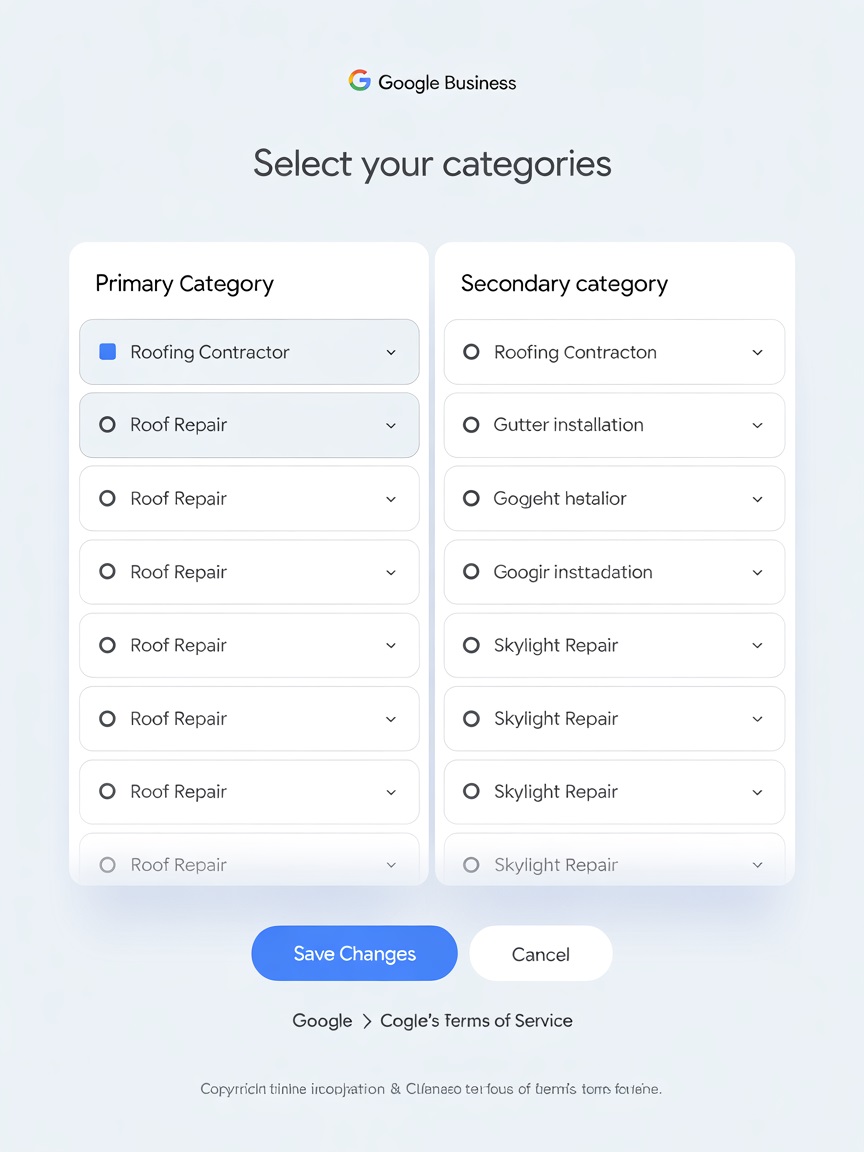
Step 2: Choose the Right Categories
Google lets you choose one primary and up to nine secondary categories. These are critical for local rankings.
- Your primary category should reflect your core service
- Secondary categories should cover additional services you offer
✅ Pro Tip: Use competitor research tools like GMBSpy or PlePer to see what successful businesses in your industry are using.
Step 3: Add Every Relevant Service You Offer
List Main Services
Add your main services one by one
Create Descriptions
Include keyword-rich, natural language in each description
Make It Unique
Don't copy and paste generic text—make it local and specific
You can list each service individually, with custom descriptions. This helps your business show up for specific searches.
✅ Pro Tip: Mention your service area in service descriptions to help with local relevance.
Step 4: Upload High-Quality, Optimized Photos
Google loves visual content. Profiles with photos get more clicks, calls, and direction requests.
- Upload a professional logo and cover image
- Add interior and exterior shots of your location (if applicable)
- Include images of your work, staff, and branded vehicles
- Rename images before uploading using keywords and locations
✅ Pro Tip: Use geo-tagged photos for an extra boost in local relevance.
Step 5: Complete the Q&A Section Proactively
Most businesses ignore this. But the Q&A section is indexed by Google—and it's a great place to answer search-related questions.
- Add 3–5 common questions and answer them yourself
- Use language your customers actually search for
- Monitor for new questions and respond quickly
✅ Pro Tip: Think of this section like mini-FAQs that support your rankings.
Make Your First Post
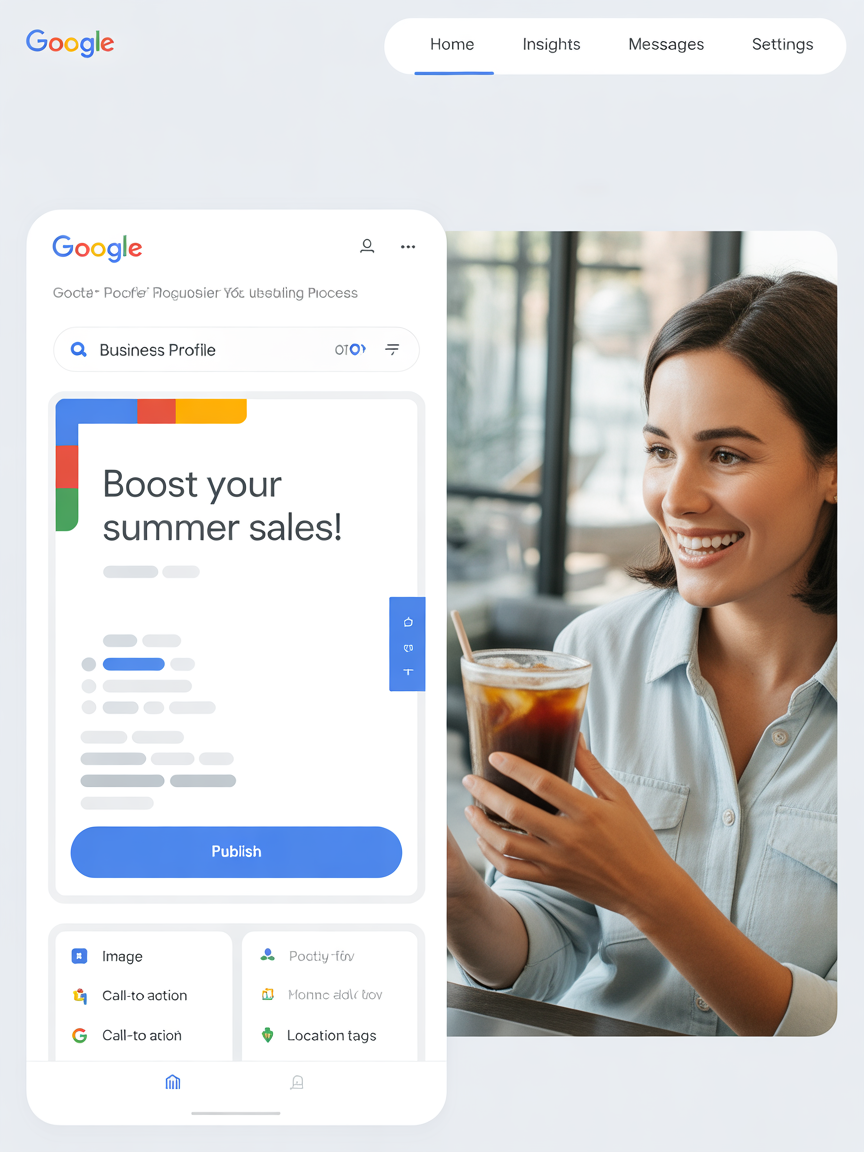
Google Posts show searchers you’re active and trustworthy. Posting regularly signals that your business is current and engaged.
- Post about recent projects, promotions, or services
- Include CTAs like “Call Now” or “Schedule Today”
- Use high-quality images and local keywords in the text
✅ Pro Tip: Treat Google Posts like short-form content for local visibility. Repost every 7 days to keep it fresh.
Skip the Guesswork—Follow a Proven Framework
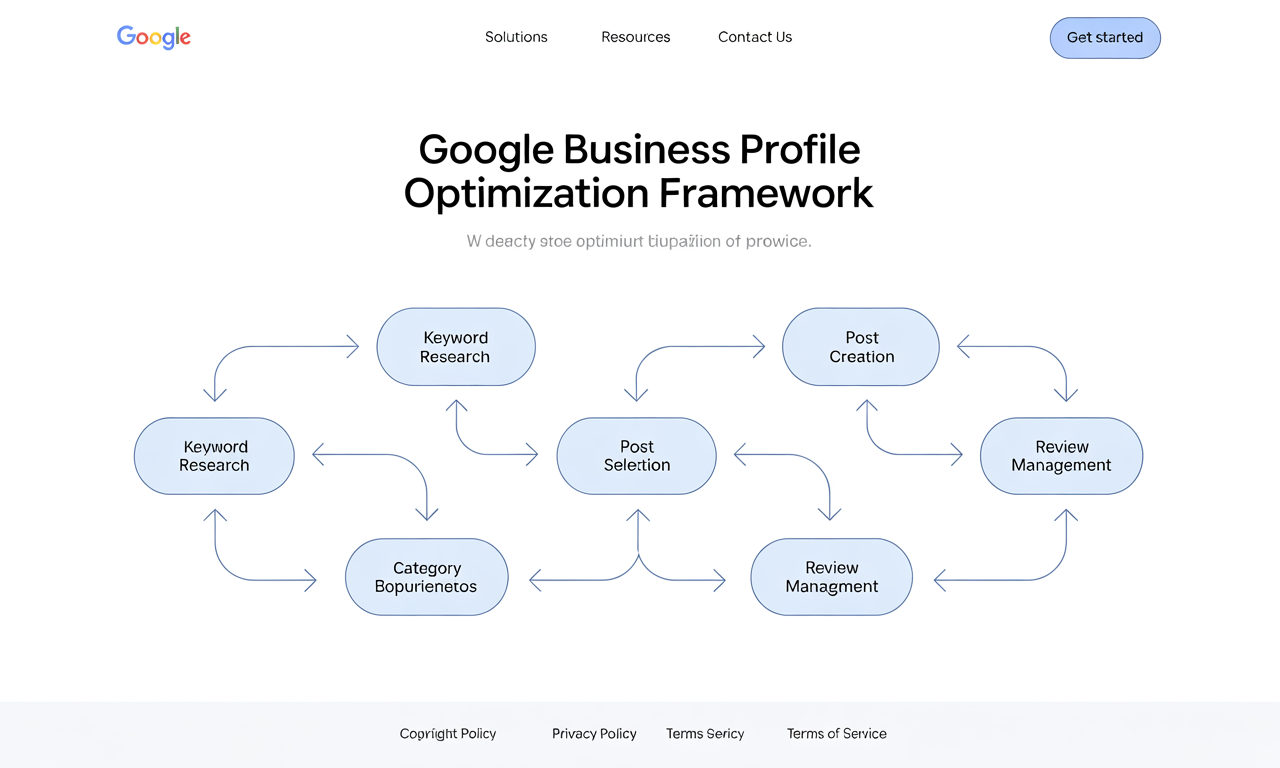
All of these steps are part of the High Impact GBP Blueprint. It’s designed to help service-based businesses set up their profile the right way—and turn it into a local traffic engine.
🎯 Get the High Impact GBP Blueprint and start converting views into calls.